AI Raindance Face Swap or Whole Person: What to Pick
Deciding between face-only and whole appearance swaps in Raindance videos? Learn how to choose the right setting for your specific creative vision and goals.
AI Raindance Video editorial team · Updated October 8, 2026
Understanding Your Creative Options
When using the AI Raindance Video tool, the choice between replacing only the face or the whole appearance fundamentally changes your final output. If you prioritize maintaining the original outfit and style of a specific scene, choose the face swap option. If you want the AI to attempt to integrate your face and clothing into the scene, select the whole appearance swap. This choice depends on whether you want to preserve the aesthetic integrity of the source template or create a completely new look for the subject.
Selecting the face-only option ensures that the character's clothing, accessories, and overall silhouette remain identical to the original template. This is ideal if you are recreating a specific trend where the outfit is central to the visual identity. Conversely, the whole appearance swap allows for more transformation, though it requires clear, high-quality input images to achieve the best results. Both methods require a visible adult face and your explicit consent for processing.
The Benefits of Face-Only Replacement
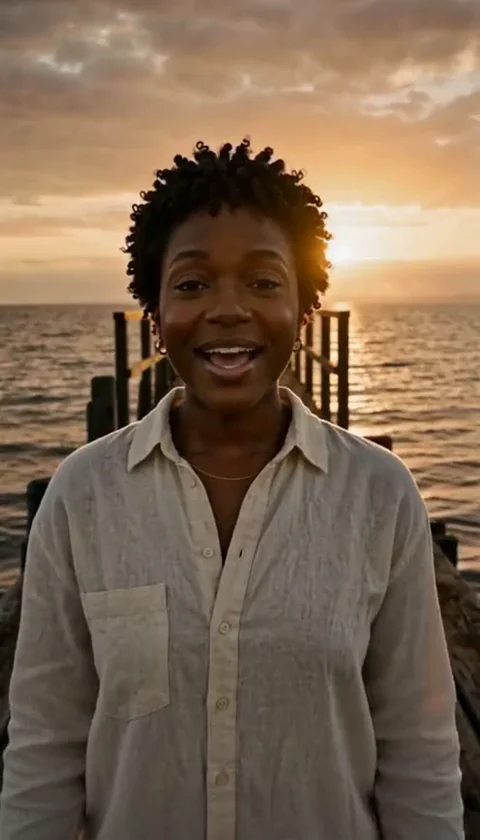
Choosing to replace only the face is the most reliable way to maintain the artistic direction of the Raindance templates. Because the AI focuses its processing power on the facial features, the rest of the body, including the outfit and background, remains untouched. This preserves the original lighting, texture, and movement of the clothing, which is crucial for maintaining the specific aesthetic of the golden-hour or rain-themed scenes.
This method is particularly effective when you are satisfied with the original video's production value. By keeping the outfit consistent, you ensure that the video retains its professional look without the risk of the AI misinterpreting complex clothing patterns or accessories. It is a conservative approach that minimizes the chance of visual artifacts appearing on the subject's body, keeping the focus entirely on the facial expression.
When to Use Whole Appearance Swaps
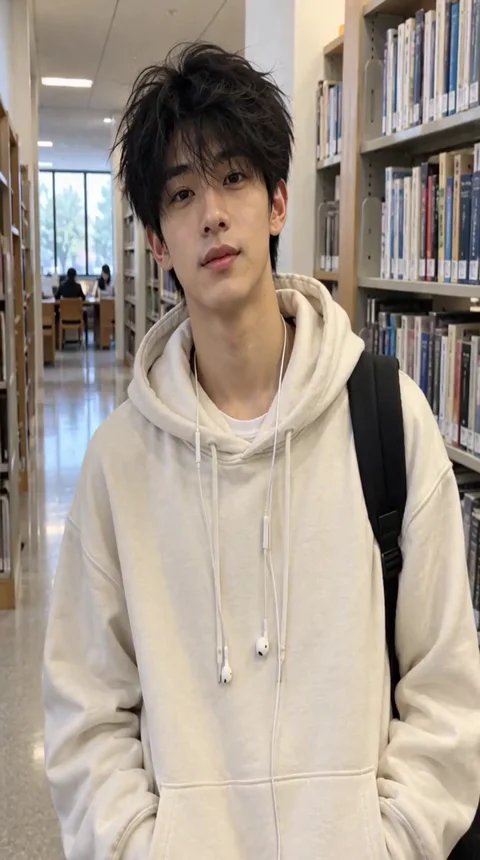
Whole appearance replacement is designed for users who want a more personalized result. This option attempts to blend your facial features and clothing style into the scene. It is useful when you want the subject to look more like you or when you have a specific vision for the character's attire that differs from the template. However, because this process is more complex, it requires careful selection of your source images.
To succeed with this option, ensure your uploaded image is high-resolution, under 10MB, and clearly shows your face and clothing. The AI will attempt to map your features onto the character, but remember that the source timing and scene guide dictate the final output. The AI does not guarantee exact likeness or hand movements, so managing expectations is key when opting for a full appearance change.
Comparing Your Creative Choices
| Feature | Face-Only Swap | Whole Appearance Swap |
|---|---|---|
| Outfit Preservation | High | Low (Attempted) |
| Facial Accuracy | High | Moderate/High |
| Visual Consistency | Very Stable | Varies by Input |
| Best Use Case | Maintaining Trend Style | Customizing Character Look |
A Worked Example of Scene Selection
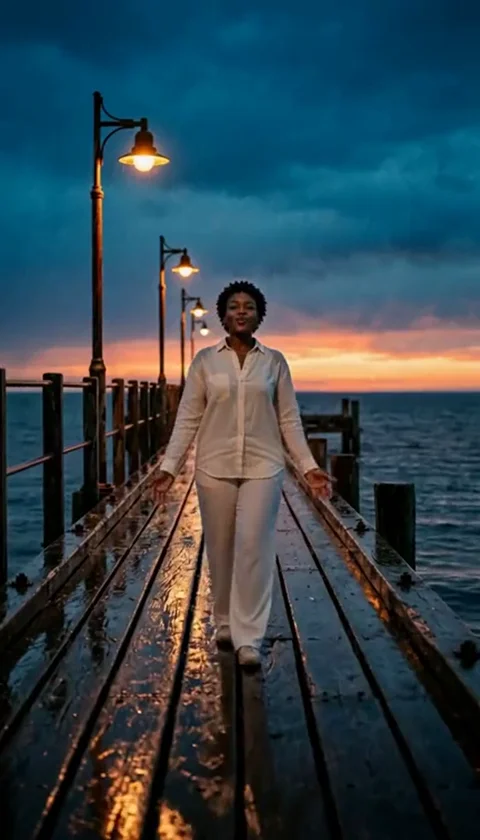
Imagine you want to create a 10-second pier edge video. You have a high-quality photo of yourself wearing a specific jacket. If you choose the face-only swap, the AI will keep the original person's clothing from the template, which might be a dress or a different style of coat. Your face will be placed on the subject, but the jacket will not change. This is perfect if you want to keep the scene's original vibe.
If you choose the whole appearance swap, the AI will attempt to incorporate your face and the jacket from your photo. The result may look more like you, but the AI might struggle with the complex physics of the jacket or the way it interacts with the pier environment. If the result does not meet your expectations, you can return to the face-only option for a more stable, albeit less personalized, outcome.
Common Mistakes and How to Fix Them
One common mistake is using a low-resolution or blurry photo for a whole appearance swap. If the AI cannot clearly identify your features or the details of your outfit, the output may look distorted. Always use clear, well-lit photos in JPG, PNG, or WebP format. If the result is not what you expected, check your photo's clarity and ensure the face is unobstructed.
Another error is expecting the AI to handle group photos or custom video uploads. The tool only supports solo or duet photos. If you try to upload a group photo, the AI will not be able to isolate the correct subject. Stick to the supported formats and ensure you are only using one photo for a solo scene or two separate photos for a duet. If a job fails, your credits are returned automatically, so you can try again with a different image.
Managing Expectations for AI Generation
It is important to remember that AI Raindance Video is an asynchronous tool. It does not provide instant results, and generation may take several minutes depending on server load. There is no Service Level Agreement (SLA) for speed. Because the process is complex, exact likeness, hand gestures, and fine motor movements cannot be guaranteed. The tool is designed for creative expression, not for perfect replication of reality.
Additionally, the tool does not provide copyright clearance for music. All generated MP4 downloads are silent. You must add your own audio within the platform where you choose to publish your video, adhering to that platform's specific music licensing and copyright policies. Never assume that the video you create comes with rights to use specific songs or audio tracks.
Frequently Asked Questions
Q: Can I change my mind after the video is generated? A: No, once a job is processed and credits are used, you cannot change the settings for that specific job. You would need to start a new job with your preferred settings.
Q: Does the whole appearance swap guarantee my outfit will look exactly like my photo? A: No, the AI attempts to incorporate your appearance, but it is limited by the original scene's geometry and lighting. It is not a perfect replication.
Q: What happens if my job fails? A: If a job fails due to a system error or moderation check, your credits are returned to your account automatically. You can then try again or contact support.
Q: Are my results public? A: A public result may be chosen for our gallery after review. Your uploaded photos stay private. Private results stay out of the gallery. Available to customers with a completed purchase. They remain private to your account.
Additional Resources
For further guidance, please consult these resources: