Solo AI Raindance Video: Turn One Photo into a Scene
Learn how to use AI Raindance Video to create solo clips from single photos. Follow this guide for image preparation, scene selection, and workflow management.
AI Raindance Video editorial team · Updated October 8, 2026
Understanding the Solo Raindance Workflow
Creating a solo Raindance video without filming yourself involves using AI-driven photo-to-video tools. By uploading a single high-quality portrait, you can generate a stylized video clip based on specific scene templates. The process is asynchronous, meaning you upload your image, select a scene, and wait for the server to process the request. Because the tool is designed for adult-only creative projects, ensure your source images are appropriate and feature a clear, visible face. You do not need to appear on camera yourself; the AI uses your provided photo to animate the scene.
To begin, visit the official platform and sign in to your account. You will need to purchase credits, as there are no free trials. Once your credits are loaded, you can upload a JPG, PNG, or WebP file that is 10MB or smaller. Choose a solo scene from the available options, submit your request, and wait for the temporary download link to appear. Remember that all generated outputs are silent, so you will need to add your own music using external editing software later.
Preparing Your Source Image
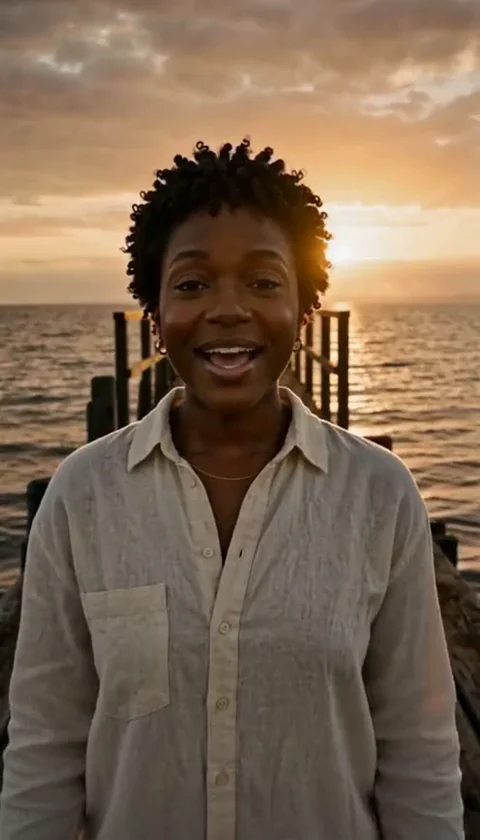
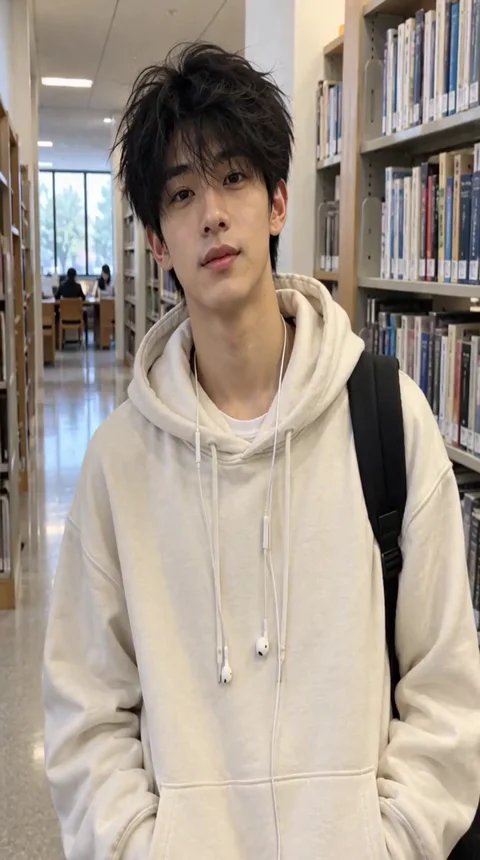
The quality of your final video depends heavily on the source image you provide. For the best results, use a clear, high-resolution portrait where your face is unobstructed. Avoid wearing sunglasses, hats that obscure your features, or heavy filters that might confuse the AI's facial recognition. The tool attempts to preserve your outfit and hair from the source photo, so choose an image that reflects the aesthetic you want to see in the final video.
Since the AI works by mapping your features onto the selected scene, a well-lit photo with neutral or professional lighting often yields more consistent results. Ensure the photo is under 10MB to avoid upload errors. If you are planning to use a solo scene, you only need one photo. If you decide to experiment with duets later, you will need two separate photos. Keep in mind that group photos are not supported, so crop your image to focus solely on the subject.
Selecting the Right Scene
The platform offers fourteen distinct scenes, each with specific timing and thematic elements. For solo creators, the following scenes are particularly effective:
- Golden-hour solo (8 seconds)
- Raindance solo (10 seconds)
- Rain pier man (10 seconds)
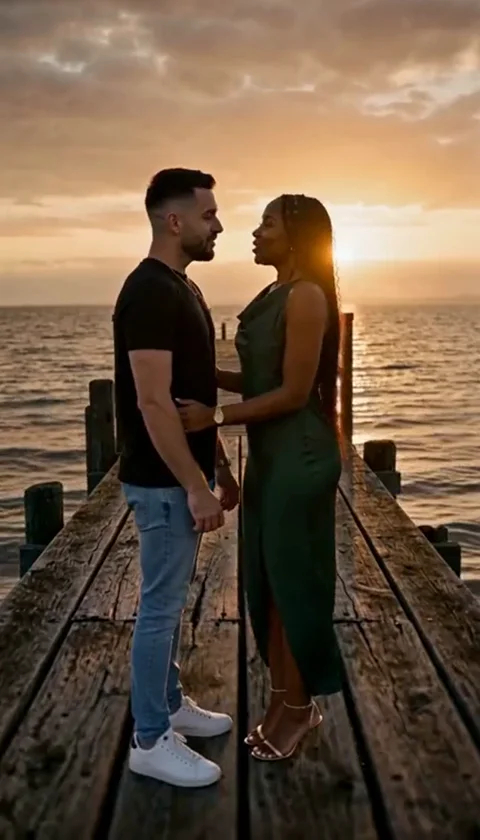
- Pier edge (10 seconds)
- Sea wade (10 seconds)
- Streetlight (10 seconds)
- Quiet dock (10 seconds)
- Adult with cat on beach (10 seconds)
Each scene has a unique aspect ratio. While many are vertical, the original trend scenes are landscape (131:90). Do not assume every scene will result in a 9:16 aspect ratio. Review the scene previews on the homepage before making your selection to ensure the environment matches your creative vision. If you are aiming for a specific mood, such as the melancholic vibe of a rainy pier, prioritize those specific templates over others.
Credit Management and Pricing
Access to the tool is credit-based. There are no subscriptions, which means you only pay for what you use. One generation costs 100 credits. You can purchase credits in one-time packs:
| Pack Size | Credit Amount | Price (USD) |
|---|---|---|
| 1 Video | 100 Credits | $9.99 |
| 3 Videos | 300 Credits | $23.99 |
| 10 Videos | 1000 Credits | $59.99 |
Applicable taxes are added at checkout. Because there are no free trials, it is wise to start with the smallest pack if you are new to the platform. If a job fails, the credits are returned to your account automatically. For payment-related issues, contact the support team at contact@airaindancevideo.org. Always check your account balance before starting a new job to ensure you have sufficient credits.
Step-by-Step Worked Example
Follow this sequence to create your first video:
- Log in to your account at the official AI Raindance Video portal.
- Purchase a 1-video pack for $9.99 if you have a zero balance.
- Prepare a high-quality portrait of yourself (JPG format, under 10MB).
- Select the 'Raindance solo' scene from the available template list.
- Upload your photo and provide an optional direction (up to 500 characters) if you have specific preferences for the output.
- Click submit and wait for the asynchronous process to complete.
- Once the status updates, download your silent MP4 file immediately.
- Import the file into an app like TikTok or Instagram to add audio and finalize your post.
Common Mistakes and How to Fix Them
Many users encounter issues when they expect the AI to perfectly replicate every hand gesture or complex motion. It is important to remember that exact likeness and motion are not guaranteed. If the output looks slightly distorted, try using a different source photo with a different angle or lighting.
Another common mistake is assuming the output will include audio. The tool provides silent files only. If you try to upload a group photo, the system will likely fail to process it, as it is designed for individual portraits. If you receive an error, check your file size and format. If the job fails repeatedly, do not worry; your credits are returned. Ensure you are only running one active job at a time, as the system does not support batch processing or multiple concurrent requests.
Frequently Asked Questions
Q: Can I get a refund if I don't like the video?
A: The platform does not offer automatic cash refunds. If you encounter technical issues with your payment, please reach out to the support email provided on the site.
Q: How long does it take to generate a video?
A: Processing is asynchronous and can take several minutes. There is no Service Level Agreement (SLA) for speed, so please be patient while the server processes your request.
Q: Are my photos public?
A: A public result may be chosen for our gallery after review. Your uploaded photos stay private. Private results stay out of the gallery. Available to customers with a completed purchase.
Q: Can I use this on my phone?
A: There is no mobile app. You should access the tool through a web browser on your device.
Q: What happens if I lose my download link?
A: Download links are temporary. You must download your files promptly after the generation is complete.
Further Resources
For more information on specific aspects of the platform, visit these pages:
By following these guidelines, you can effectively navigate the AI Raindance Video tool to create compelling solo content. Focus on high-quality input images and clear scene selection to maximize your results.