How to Make an AI Raindance Video from Your Own Photos
Learn how to turn your photos into an AI Raindance video. Follow this guide to choosing scenes, preparing photos, using credits, and downloading your MP4.
AI Raindance Video editorial team · Updated October 8, 2026
Getting Started with AI Raindance
To create an AI Raindance video, visit the official website at https://airaindancevideo.org. After signing in, you will select your preferred scene, upload your source photo, and submit the job. The tool processes one photo for solo scenes or two separate photos for duets. Each file must be a JPG, PNG, or WebP format under 10MB, featuring a clearly visible adult face. Once processed, you can download your silent MP4 file and add music through your chosen social media platform.
Understanding the Tool and Its Limitations
AI Raindance is an independent creative tool designed for adult users to transform static images into motion-based video content. It is important to understand that this platform operates as a standalone service. It maintains no affiliations with music labels, social media giants like Instagram or TikTok, or professional artists. Because the generated files are silent, you are responsible for selecting and syncing your own audio tracks within your preferred publishing software. The platform does not provide copyright clearance for music, so ensure you have the necessary rights before sharing.
Technically, the tool functions through asynchronous processing. This means that after you submit your request, the server works to generate the video, which may take several minutes depending on current traffic. There is no Service Level Agreement (SLA) regarding speed, so patience is required. Furthermore, the platform does not offer a mobile application, batch generation, or support for group photos. You must manage your workflow one job at a time.
Preparing Your Source Photos
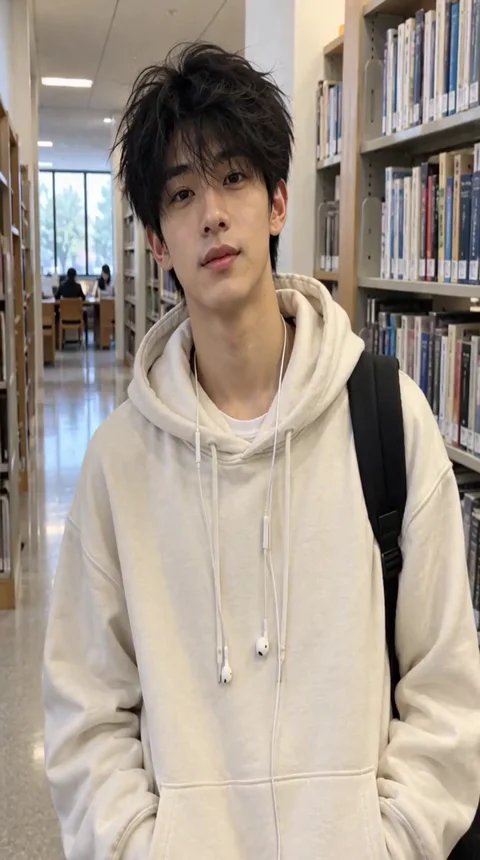
Success begins with the quality of your input images. The tool requires a clear, unobstructed adult face. If you are creating a duet, you must provide two distinct photos. The AI attempts to preserve your facial features and outfit, but it is important to manage expectations regarding motion. The system does not guarantee perfect replication of hand movements, complex gestures, or exact likenesses in every frame.
For best results, use high-resolution images with consistent lighting. Avoid photos where the face is obscured by heavy shadows, sunglasses, or hair. Since the tool preserves the source outfit, choose an image where your clothing is clearly visible and fits the aesthetic of the scene you intend to select. If the AI detects an issue with the image or the optional text direction provided, the job may be rejected during the moderation process.
Selecting Your Scene and Formatting
There are fourteen distinct scenes available, each with specific timing and aspect ratio characteristics. You cannot generate a thirty-second video in one single job; instead, you must choose from the available library. Vertical scenes generally maintain the aspect ratio of your source file, such as 4:7 or 24:43, while the original trend scenes are formatted in a 131:90 landscape ratio. Do not assume all outputs will be 9:16.
Available Scene Categories
| Scene Name | Duration | Primary Use |
|---|---|---|
| Golden-hour Solo | 8 Seconds | Solo portrait focus |
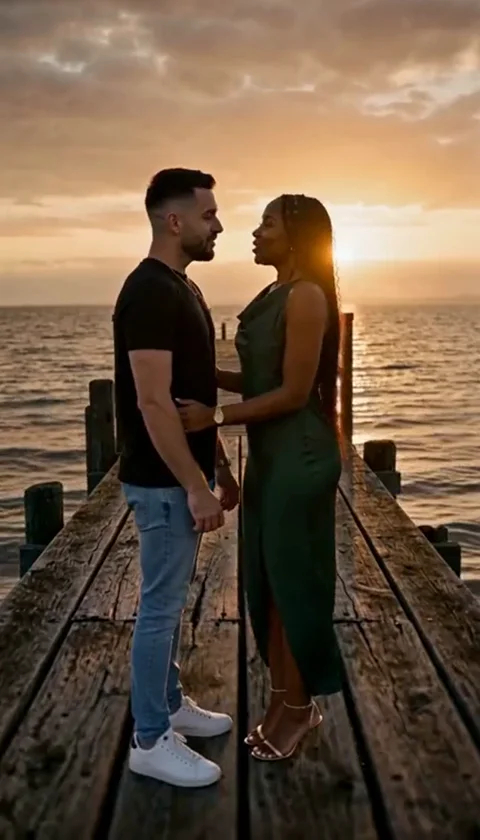
| Golden-hour Duet | 8 Seconds | Two-person interaction |
| Reception Duet | 8 Seconds | Event-style aesthetic |
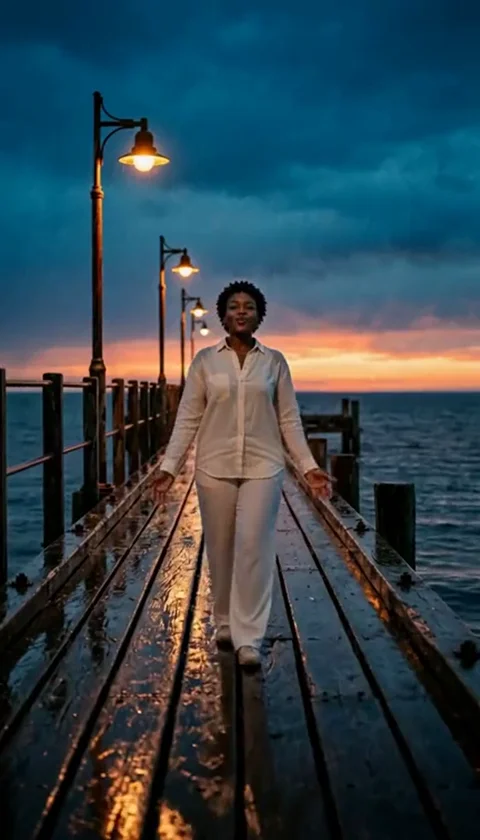
| Solo Rain | 8 Seconds | Atmospheric solo |
| Rain Pier Man | 10 Seconds | Male-focused pier scene |
| Pier Edge | 10 Seconds | Wide-angle environment |
| Sea Wade | 10 Seconds | Coastal movement |
| Streetlight | 10 Seconds | Urban night aesthetic |
| Quiet Dock | 10 Seconds | Still water environment |
| Adult with Cat | 10 Seconds | Human-focused with pet |
| Raindance Solo | 10 Seconds | Signature dance movement |
| Trend Opening | 10 Seconds | Sequence start |
| Trend Middle | 10 Seconds | Sequence continuation |
| Trend Ending | 10 Seconds | Sequence conclusion |
Credit System and Pricing
AI Raindance operates on a credit-based system rather than a subscription model. There are no free trials or recurring monthly fees. You must purchase credits in one-time packs to initiate a project. As of October 8, 2026, the pricing structure is as follows:
- 1 Video (100 credits): $9.99 USD
- 3 Videos (300 credits): $23.99 USD
- 10 Videos (1000 credits): $59.99 USD
Applicable taxes are calculated at checkout. If a job fails due to a technical error, credits are returned to your account automatically. If you encounter persistent issues with billing or credit allocation, contact the support team at contact@airaindancevideo.org. Note that the platform does not issue automatic cash refunds, so verify your credit balance before starting a new job.
A Worked Example: Creating a Solo Raindance
To see how this works in practice, follow these steps for a 'Raindance Solo' project:
- Sign in to your account and navigate to the upload form.
- Select the 'Raindance Solo' scene from the provided list.
- Upload a high-quality JPG of yourself. Ensure your face is clearly visible.
- Optionally, add a text direction of up to 500 characters to describe the desired mood or subtle environment details.
- Confirm the submission. The screen will indicate that the job is active.
- Wait for the asynchronous process to complete. Check your results page periodically.
- Once finished, download the MP4 file immediately. Links are temporary and will expire.
- Import the silent MP4 into your video editor or social media app to overlay your chosen music track.
Common Mistakes and How to Fix Them
Many users encounter issues by ignoring the input requirements. For example, uploading a group photo often leads to rejection because the AI is optimized for individual subjects. If your job fails, check the moderation status. The system performs automated checks on both the images and any text provided. If your content is flagged, the job will not proceed.
Another common mistake is failing to download the result promptly. Because the platform does not store your videos indefinitely, the download links are temporary. If you lose access to a file, you may need to regenerate it, which will consume more credits. Always save your files to a secure local drive or cloud storage immediately after they are generated.
Frequently Asked Questions
Q: Can I upload a custom video to be transformed? A: No, the platform only accepts static JPG, PNG, or WebP images.
Q: Is there a mobile app for this service? A: No, the service is accessible only through the official website.
Q: Are my videos shared publicly? A: A public result may be chosen for our gallery after review. Your uploaded photos stay private. Private results stay out of the gallery. Available to customers with a completed purchase.
Q: Does the AI guarantee perfect hands and motion? A: No, the AI attempts to mimic movement but does not guarantee perfect anatomical accuracy.
Further Resources
For more detailed information on specific workflows, please consult the following resources: