AI Raindance Duet: Make a Video from Two Clear Photos
Learn how to combine two individual photos into a creative Raindance duet video using the AI Raindance Video platform with this step-by-step practical guide.
AI Raindance Video editorial team · Updated October 8, 2026
Getting Started with Your Raindance Duet
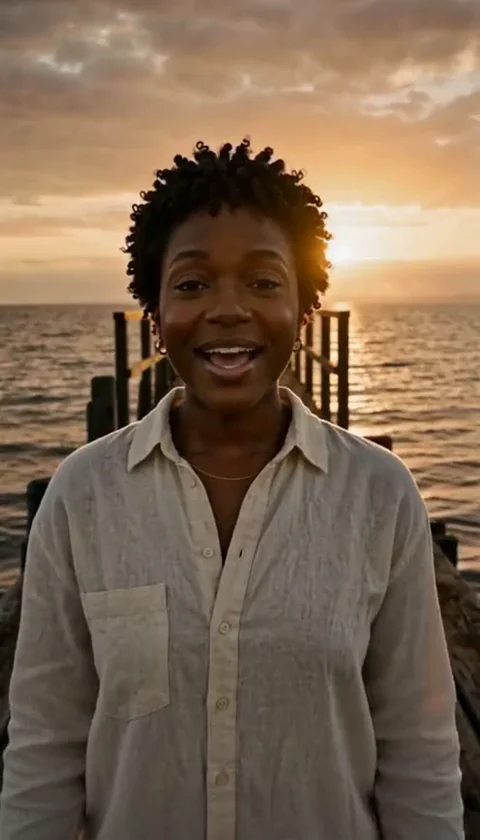
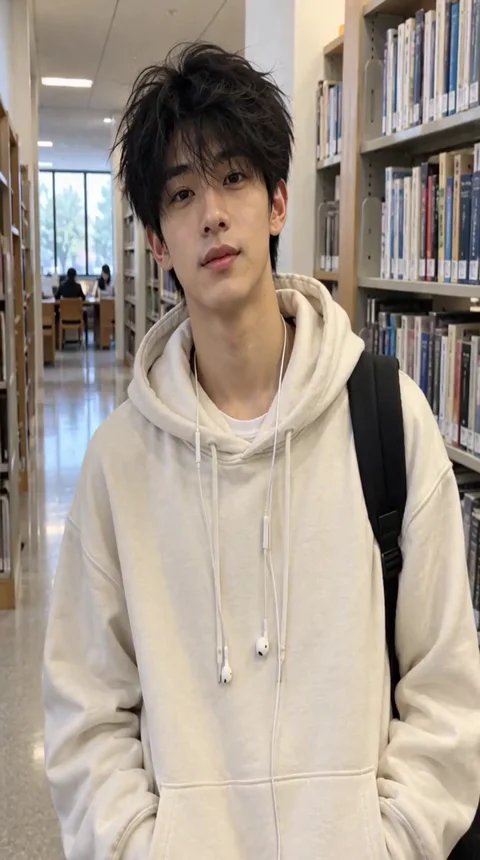
To create a Raindance duet, sign in to the AI Raindance Video platform, select a duet-compatible scene, and upload two separate photos—one for each person. Each image must be a JPG, PNG, or WebP file under 10MB featuring a visible adult face with consent. Once you submit your files and optional text direction, the platform processes your request asynchronously. Because the output is silent, you will need to add your preferred music directly within your chosen social media platform after downloading the final MP4 file.
Understanding the Duet Process
The AI Raindance Video tool is designed to process individual images to generate specific video scenes. When you select a duet template, the system requires two distinct source files to populate the two roles within that scene. This is not a video-to-video editing tool; it is a creative generative tool that transforms static imagery into motion. You cannot upload a pre-made video or a group photo to be split; you must provide two separate, clear images of individuals.
Because the platform operates on an asynchronous processing model, you can only run one active job at a time per account. Once you initiate a generation, the system works to map the facial features and outfits from your source photos onto the chosen scene template. The final output is a silent MP4 file, ensuring you have the flexibility to choose your own audio tracks on platforms like TikTok or Instagram, provided you adhere to those platforms' copyright and usage permissions.
Preparing Your Photos for Success
Image quality is the most significant factor in achieving a recognizable output. Since the AI tool attempts to preserve the source face and hair while maintaining the outfit captured in the original photo, you should choose images that are high-resolution and well-lit. Avoid blurry photos or images where the face is obscured by heavy filters, sunglasses, or hats, as these can hinder the AI's ability to detect and map facial features accurately.
Ensure that each of your two photos is under the 10MB limit. If your file is too large, use standard image editing software to compress it before uploading. The platform accepts JPG, PNG, and WebP formats. Remember that the system is intended for adult users only, and all uploads pass through a moderation check. If your images do not meet these criteria, the job may be rejected or fail during the processing phase.
Selecting the Right Duet Scene
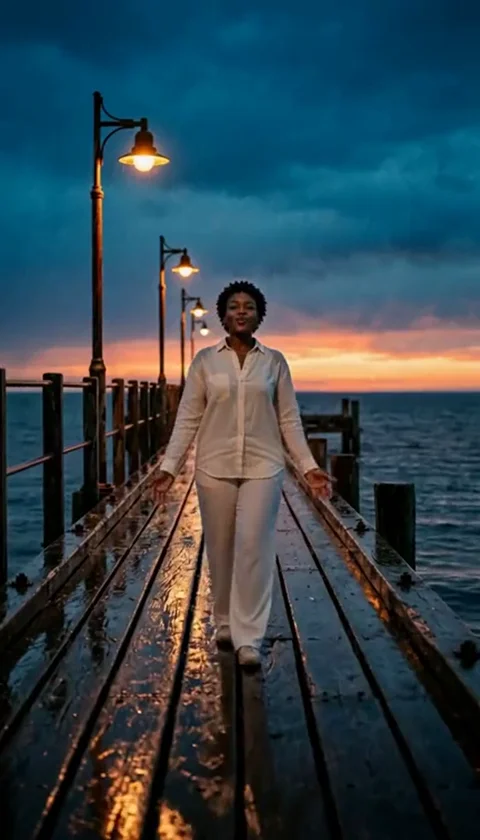
AI Raindance Video offers several templates specifically designed for duets, such as the golden-hour duet and the reception duet. Each template has a specific duration, typically ranging from 8 to 10 seconds. When selecting your scene, consider the aspect ratio. While vertical scenes generally maintain the source aspect ratio (4:7 or 24:43), the original trend scenes are formatted in a landscape aspect ratio of 131:90. Do not expect every video to output in a standard 9:16 mobile format; plan your content accordingly.
Available Duet and Solo Scene Options
| Scene Type | Duration | Best For |
|---|---|---|
| Golden-hour Duet | 8s | Romantic or atmospheric pairings |
| Reception Duet | 8s | Festive or celebratory moods |
| Raindance Solo | 10s | Focused individual storytelling |
| Sea Wade | 10s | Cinematic, outdoor aesthetics |
| Streetlight | 10s | Moody, urban-inspired visuals |
| Quiet Dock | 10s | Calm, reflective imagery |
A Concrete Worked Example
Imagine you want to create a golden-hour duet video. First, you sign into your account and ensure you have sufficient credits. You navigate to the upload form and select the 'golden-hour duet' template. You upload a clear, front-facing portrait of Person A for the first slot and a similar, clear portrait of Person B for the second slot. You add a brief text direction in the optional field, perhaps describing the mood, though this is not required. You submit the job and wait for the notification that your video is ready. Once finished, you download the silent MP4 file to your device. Finally, you open your preferred social media app, upload the video, and select a trending song that matches the aesthetic of your duet.
Common Mistakes and How to Fix Them
One frequent issue is attempting to upload a group photo expecting the AI to isolate two people. The system is strictly designed for two separate file uploads. If you only have a group photo, you must crop it into two individual portraits before attempting the upload. Another common mistake is ignoring the asynchronous nature of the tool. Because it is not instantaneous, users sometimes refresh the page or attempt to start multiple jobs, which can lead to errors. Always wait for the status update on your account dashboard.
If your job fails, the system automatically returns your credits. Do not worry if a job is rejected; simply check your images against the guidelines. If you believe your images are compliant but they continue to fail, reach out to contact@airaindancevideo.org for assistance with your account or payment status. Remember that download links are temporary, so it is vital to download your results as soon as they are generated to avoid losing access to your files.
Managing Credits and Costs
Access to the AI Raindance Video tool requires the purchase of one-time credit packs. As of October 8, 2026, there are no subscription models or free trial credits available. You can purchase 1 video for 100 credits at $9.99, 3 videos for 300 credits at $23.99, or 10 videos for 1000 credits at $59.99. All prices are in USD, and applicable taxes are calculated at checkout. Because these are one-time purchases, you have full control over your spending without the risk of recurring charges.
Frequently Asked Questions
Q: Can I use a video file instead of a photo? A: No, the platform only accepts static JPG, PNG, or WebP images. Video uploads are not supported.
Q: Does the platform provide the music for my video? A: No, all generated videos are silent. You must add music using your social media app's editor.
Q: Is there a mobile app for this? A: No, the service is accessed entirely through the web browser at airaindancevideo.org.
Q: How long does the video generation take? A: The process is asynchronous and can take several minutes. There is no fixed service level agreement for speed.
Q: Can I get a refund if I am unhappy with the result? A: The platform does not offer automatic cash refunds. If you encounter payment issues, contact the support email directly.
For more information, please review the following resources: