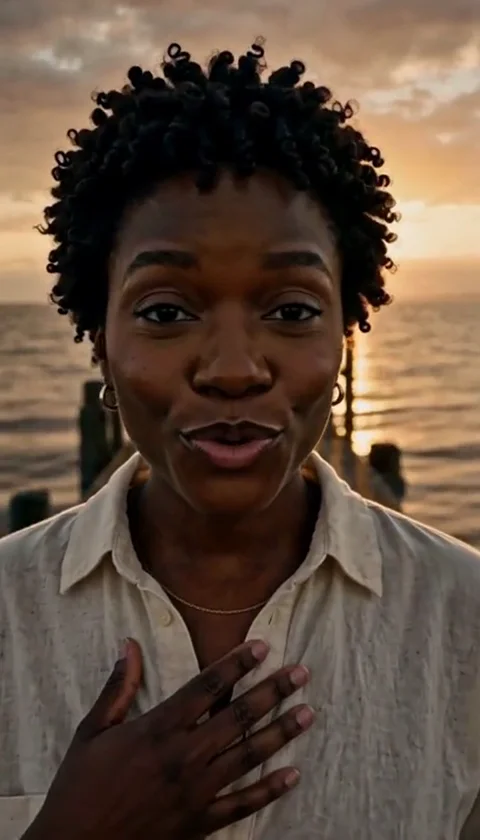
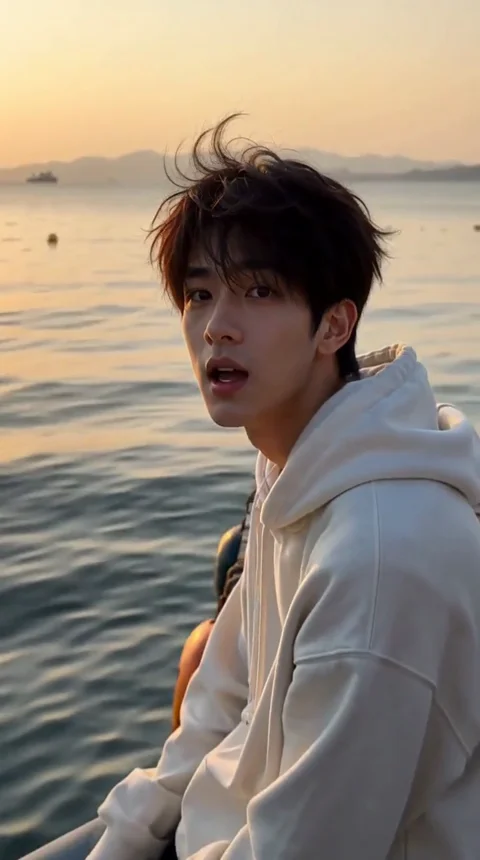
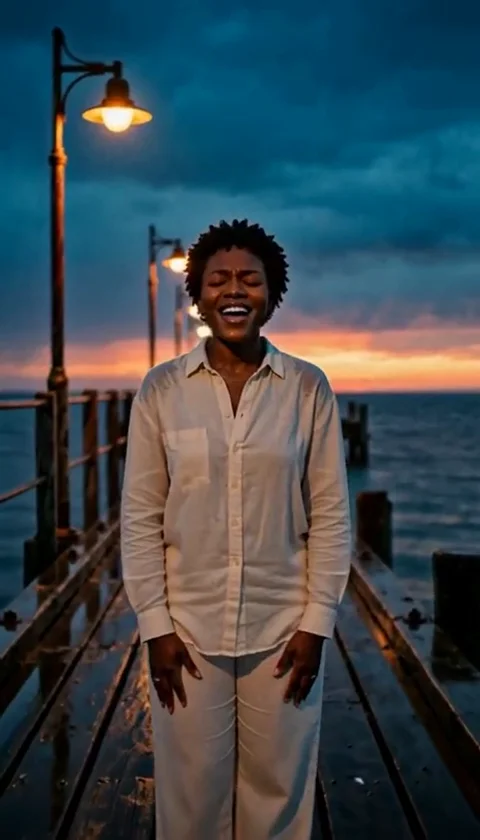
Halloween Duet Video - Two Photos, One Short Scene
Make a Halloween duet video from two adult photos. Clear role mapping, a prepared scene and a silent MP4 you can add music to.
Équipe éditoriale AI Raindance Video · Mis à jour le 8 octobre 2026
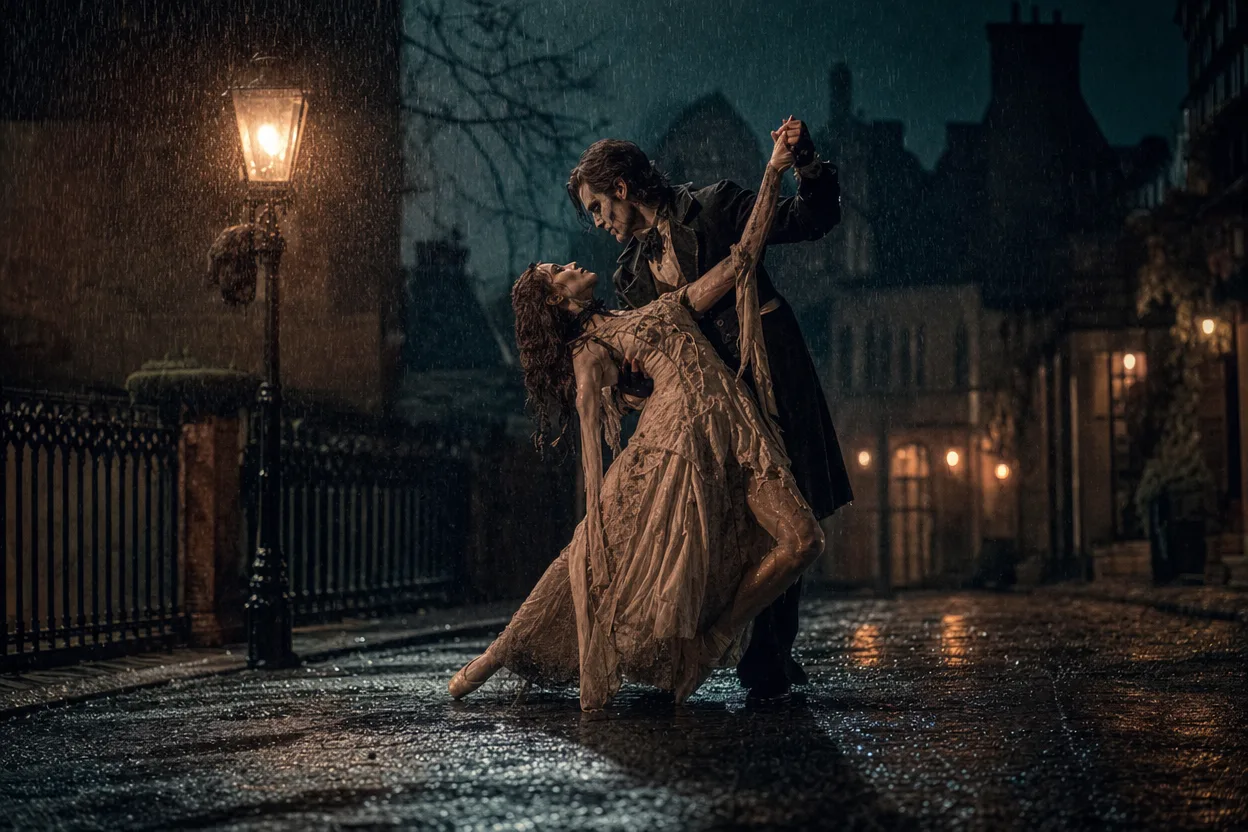
What a Halloween duet video actually is
A Halloween duet video is one scene with two people in it, not two clips placed side by side. That distinction sounds small until you try it. Two solo videos stitched together almost always look like a collage: different lighting, different camera height, two people who never quite share the same room.
The workflow here is built around that problem. You supply two separate adult photos, assign each one to a role, and the scene keeps a single camera and a single movement. The result is an 8-10 second silent MP4 you can score yourself. The clip is short on purpose - it is a loopable moment, not a short film.
If you already know you want to try it, the Halloween duet video page is where the workflow starts. If you are still deciding whether it is worth the credits, read the rest of this first. Spending 120 credits on a scene that was never going to work is avoidable.
The two-photo rule, and why it is strict
Duets take two separate photos - one per person. Not a photo of a couple standing together. Not a screenshot of a group shot cropped down the middle.
There are practical reasons for this. When two people share a frame in the source image, the model has to guess which body belongs to which role, and it usually guesses wrong at least once. Separate photos give each role a clean reference: one face, one pose, one set of proportions. The scene then places both references into the same camera setup.
The rules that come with this:
- Adults only, with consent. Both people in the photos must be adults and must have agreed to the image being used. This is not a formality; moderation checks for it.
- One photo for solo, two for duets. If you upload one photo to a duet, you get a solo scene, not a duet.
- Moderation runs before and after generation. Submissions are screened going in and results are screened coming out. If something fails, the job does not complete.
- Failed jobs return credits. If generation fails, you are not charged for a result you never received.
Pick photos where each person is clearly visible, reasonably well lit, and facing roughly toward the camera. A dark, blurry photo of someone mid-laugh at a party is a bad reference no matter how good the costume idea is.
What makes a duet scene different from two solos
A solo clip has one job: make one person look good in a scene. A duet has to do that twice while also keeping the two performances believable together.
That means the scene has to commit to a relationship between the two roles. Are they facing each other? Standing shoulder to shoulder? Is one slightly behind the other? Is the camera pushing in, or holding still? Every one of those choices affects whether the clip reads as a scene or as two people pasted into the same background.
This is also why the silent MP4 matters. Without audio, timing and eye contact carry the whole performance. A duet where both people look at the camera the entire time feels like a photo with movement. A duet where one person turns toward the other feels like a moment. You cannot fix that in editing, so it has to be directed in.
Costumes that work in a duet
The looks available here are original directions, not licensed character copies. That is deliberate - you are not getting a branded costume, you are getting a visual treatment you can build a scene around. Four directions suit duets particularly well:
Cowboy Angel. One role reads earthy and grounded, the other reads bright and ethereal. It is the clearest contrast of the four, which makes role assignment easy and the pairing legible in a short clip.
Midnight Rain. Moody, wet, low-light. Strong for duets because the atmosphere does most of the work - two figures in the same weather feel connected even if they barely move.
Cosmic Princess. High-contrast, decorative, more stylized. Works best when one role leans into the look and the other plays against it, otherwise the scene can feel flat.
Glam Skeleton. Graphic and bold. This one is the least forgiving of mismatched source photos, because the makeup treatment draws attention to faces and proportions.
A few costume rules that hold across all four:
- Avoid costumes that hide the face entirely. Full masks and heavy hoods remove the reference the scene needs.
- Match the level of styling. If one role is heavily costumed and the other is in a plain shirt, the scene looks unbalanced.
- Think in pairs, not singles. Ask what the two costumes say to each other, not what each one says alone.
How to direct the scene
You are not writing a script, but you are making a few decisions that the scene will follow. Treat it like briefing a camera operator for a ten-second shot.
Decide who leads. One role should be the anchor - the person the camera favors, the one who moves first. The other role responds. Duets where both people perform equally hard tend to feel busy.
Choose one interaction. Eye contact, a shared glance off-camera, one person turning toward the other. One, not three. In eight seconds, a single clear beat reads better than a sequence.
Keep the camera simple. A slow push or a held frame. Quick cuts and complex movement do not fit in this length.
Write the scene in plain language. Something like "two figures stand facing each other in rain, one steps forward" gives the generation a clear target. Vague prompts produce vague clips.
Check both photos against the brief. If the scene calls for both people standing, do not submit a photo of someone seated. The reference wins over the description more often than you would like.
After the clip is ready
You get a silent MP4, 8-10 seconds long. No audio track. That is not a limitation to work around - it is the point. Music is the part you control, and it changes the clip more than any other single choice.
A few practical approaches:
- Match the tempo to the movement. A slow push pairs badly with a fast track.
- Use the first beat. Trim the clip so the strongest moment lands on a downbeat.
- Loop it. Eight seconds is short enough to repeat cleanly, which suits social formats.
- Keep it silent sometimes. A silent duet clip with no music reads as a moving portrait, which is its own effect.
Export at the highest quality you have and do your trimming in an editor rather than re-encoding repeatedly.
Pricing and limits, stated plainly
Image looks cost 20 credits each. Video generation costs 100 credits. Credits come in one-time packs - there is no subscription and nothing renews.
That means a duet attempt is 120 credits if you generate a look first: 20 for the image, 100 for the video. If you want to test two directions before committing to video, you are paying 20 credits per look, which is the cheapest way to find out whether a pairing works.
Generation routes through KIE, with fal, Replicate and WaveSpeed as fallbacks where supported. Moderation uses SEEAPI and runs before and after generation. Failed jobs return credits.
Full pack details are on the pricing page. Check it before you buy - the numbers above are what you should budget per attempt, and it is worth knowing exactly how many attempts a pack covers.
A practical checklist before you spend credits
Run through this before you upload anything:
- Two separate photos, one per person, both adults, both consented.
- Both faces clearly visible, well lit, facing roughly toward camera.
- Neither photo contains the other person. No shared frames.
- One role chosen as the lead, the other as the responder.
- One interaction decided, written in a single sentence.
- Costume directions picked as a pair, with matched styling levels.
- Scene described in plain language, matching the poses in both photos.
- Budget confirmed: 20 credits per look, 100 per video.
If you cannot fill in items 4 and 5, you are not ready to generate. Those two decisions do more for the result than any prompt wording.
FAQ
Can I use a photo of my partner and me together? No. Duets require two separate photos, one per person. A shared photo makes role assignment unreliable.
What if the generation fails? Failed jobs return credits. You are not charged for a result you did not receive.
Is there a subscription? No. Credits are one-time packs. Nothing renews automatically.
Can I get a specific movie character costume? No. Looks are original directions, not licensed character copies. You get a visual treatment, not a branded costume.
Does the video include music? No. You receive a silent MP4, 8-10 seconds long, and add your own audio.
When you are ready, start at the Halloween duet video page, and check pricing so you know what a pack actually covers before you commit.