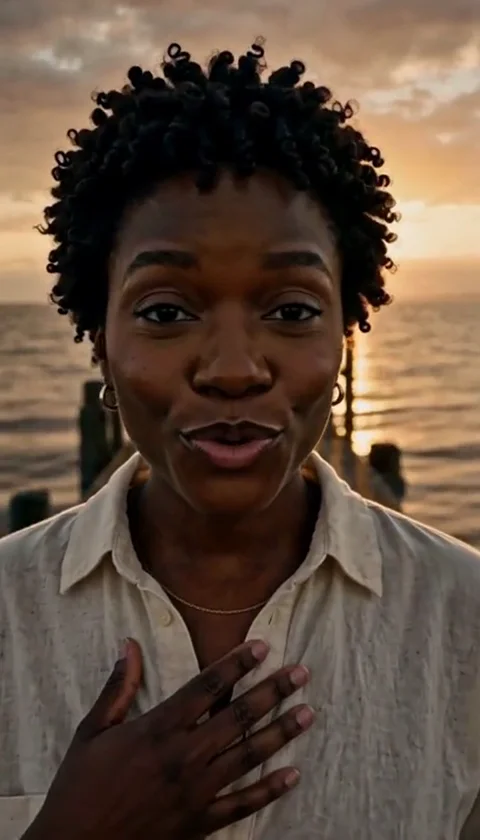
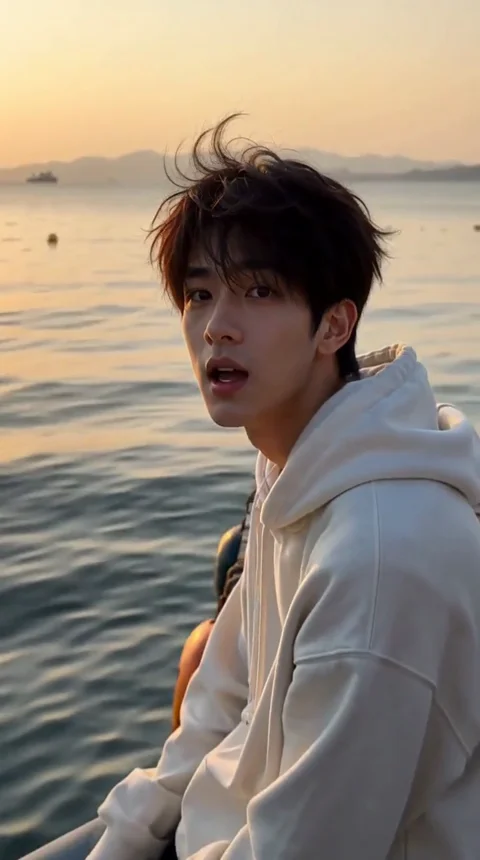
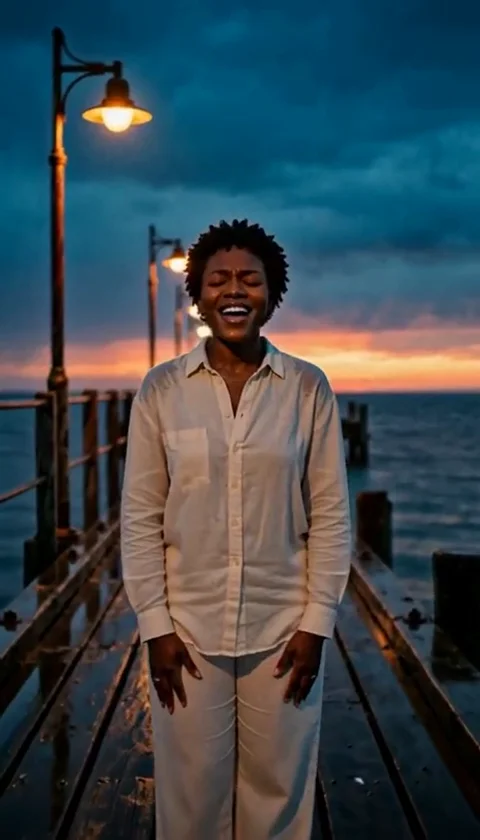
Kling AI vs Viggle AI vs AI Raindance Video (2026)
Compare Kling AI, Viggle AI and AI Raindance Video for a raindance-style clip: what each one takes as input, what it outputs, what it costs and who it fits.
AI Raindance Video editorial team · Updated October 8, 2026

The short answer
Three tools come up when someone wants a raindance-style clip, and they are not the same kind of product.
- Kling AI is a general video and image generator. You describe a shot or upload a still, and you direct the result with a prompt. It is the most flexible of the three and the closest to a full production tool.
- Viggle AI is built around characters in motion: swapping a character into a video, adding motion to a character, and multi-character swaps. Its natural input is a video or a motion reference, not a single portrait.
- AI Raindance Video is a narrow tool. You pick one of fourteen prepared raindance scenes, add one adult photo for a solo or two separate photos for a duet, and get a short silent MP4. There is no prompt engineering, and credits are sold in one-time packs.
If your question is "which one should I open first", the honest answer depends on what you already have. A photo and five minutes: the dedicated tool. A shot list and a budget for retries: Kling. A dance video that already exists and a face to put into it: Viggle.
What each tool actually does
Kling AI
Kling's public site presents it as a creative studio rather than a single effect. The current lineup includes video generation with native audio, an image model, native 4K output and a node-based canvas for planning and editing shots. Its published pricing page is an API rate card: one unit is listed at $0.14, and video is billed per second of output.
That structure tells you what Kling is for. You are paying for control and for a model that can attempt almost any shot you can describe. You are also paying for the iteration: a prompt that produces a bad first second still consumes the generation.
Viggle AI
Viggle's product menu is a list of character operations: swap a single character, add motion to a character, swap multiple characters, swap in real time, and capture motion. Its pricing page sells subscriptions, with a free tier of five videos per day and paid plans that bundle monthly credits.
That is a different job from "make a raindance clip from my photo". Viggle shines when you already have motion to work with, or when the point is to place a character inside existing footage. A user who arrives with one portrait and no video has to find or create motion first.
AI Raindance Video
This site removes the direction step. There are fourteen prepared scenes, each with its own framing, duration and aspect ratio. You add a clear adult photo, choose face-and-hair replacement or a whole-appearance attempt, and the scene supplies the movement. A duet takes two separate photos of two consenting adults.
The trade is obvious in both directions. You get a repeatable result without learning prompt syntax, and you give up the ability to invent a shot that is not in the scene list. The output is a silent MP4: no music is included, and you add audio in the app where you publish.
Side-by-side comparison
Prices below were read from each provider's public pricing page on 21 October 2026. They are list prices, not quotes, and they can change.
| Kling AI | Viggle AI | AI Raindance Video | |
|---|---|---|---|
| Product type | General video and image generator | Character swap and motion tool | Prepared raindance scenes |
| Main input | Text prompt, image, or both | Video or motion reference, plus a character | One adult photo (solo) or two (duet) |
| Direction required | Yes, prompt and iterate | Some, depending on the operation | No, choose a scene |
| Published pricing | API: 1 unit = $0.14; Kling 3.0 from $0.084/s at 720p to $0.42/s at 4K; images $0.028 each | Free: 5 videos/day. Pro $7.99/mo, Popular $15.99/mo, Max $63.99/mo; API $0.01 per credit | $9.99 for 100 credits (one video), $23.99 for 300 (three), $59.99 for 1,000 (ten) |
| Billing model | Units and per-second API rates | Monthly subscription with credits | One-time credit packs, no subscription |
| Free tier | Not stated on the pricing page | 5 videos per day, 7-day storage, limited features | None; previews are free to browse |
| Output | Video, with native audio on supported models | Video | Silent MP4 |
| Best for | Custom shots and full control | Putting a character into motion | A fast raindance clip from a photo |
What the prices actually buy
Comparing these three by sticker price is misleading, because the units are different.
Kling's published API rate for Kling 3.0 at 720p without native audio is $0.084 per second. A ten-second generation therefore lists at about $0.84 before any retry, and a 4K generation at $0.42 per second lists at about $4.20 for the same ten seconds. A prompt that needs three attempts multiplies that. The rate card is honest about what it is selling: compute time and control.
Viggle sells access. The free tier gives five videos a day with a seven-day storage limit and reduced features. Pro at $7.99 per month bundles 80 credits, Popular at $15.99 bundles 200, and Max at $63.99 bundles 800, with faster generation and more concurrent jobs as you move up. If you make dance clips every week, a subscription can be the cheapest route per clip. If you make one clip for a birthday, it is a recurring charge for a single use.
This site sells a finished job. One hundred credits is one video at $9.99; three hundred credits is three videos at $23.99; one thousand credits is ten videos at $59.99. There is no subscription and no free credit grant. A failed job returns its credits rather than a cash refund. Whether that is good value depends on what you would otherwise spend in time: choosing a scene takes seconds, and there is no prompt to rewrite.
Where each one wins
Kling wins when the idea is specific. A rain-soaked rooftop at blue hour with a particular camera move is a prompt problem, and Kling is built to attempt it. It also wins when you need sound baked into the generation, which the dedicated raindance tool does not offer.
Viggle wins when motion already exists. If you have a dance video and want a different person in it, or you want to drive a character with captured motion, that is the operation Viggle lists first on its own site. It is not a photo-to-raindance shortcut.
AI Raindance Video wins when the photo is the only asset. One portrait, one scene choice, one output. The constraints are the feature: fixed scenes mean the framing and movement are already solved, and the duet path handles two separate photos without a compositing step.
Who should not use AI Raindance Video
Be clear about the limits before buying credits.
- You want a custom shot. The scene list is fixed. If the clip in your head is not one of the fourteen scenes, this is the wrong tool.
- You need audio. Downloads are silent. Music licensing is your responsibility on the platform where you publish.
- You have a group photo. The tool takes one adult for a solo or two separate adults for a duet. Group photos are not supported.
- You need a guaranteed likeness. No generative tool guarantees an exact face, hands or motion. Results vary with the photo and the scene.
- You want to run many jobs at once. One active job per account at a time is the current limit.
A realistic first-clip workflow
- Pick the scene before the photo. The scene decides the crop and the movement, so a portrait that fits the framing saves a retry.
- Use a sharp, well-lit photo under 10MB in JPG, PNG or WebP. The face must be visible and belong to an adult.
- For a duet, use two separate photos, one person each, and name who is who.
- Choose face-and-hair replacement when you want to keep the scene's outfit, or the whole-appearance attempt when the clothing should follow your photo.
- Download the MP4 when it appears. Add music in the app where you post, using audio you have the right to use.
What none of these tools will do
No tool on this page will make a stranger's face into a consented performance, license a song for you, or guarantee that a platform will treat the output as original content. Uploads on this site require an adult face and explicit consent, and results are private to the account. Those rules exist because the alternative, a tool that will animate anyone from any photo, is a problem rather than a feature.
Sources
- Kling AI pricing and model rate card: https://klingai.com/pricing (accessed 21 October 2026)
- Viggle AI pricing and plan limits: https://viggle.ai/pricing (accessed 21 October 2026)
- AI Raindance Video credit packs: https://airaindancevideo.org/pricing (accessed 21 October 2026)
- AI Raindance Video cost and failure-credit guide: https://airaindancevideo.org/blog/raindance-video-cost
Frequently asked questions
Is AI Raindance Video the same as Kling AI?
No. AI Raindance Video is an independent photo-to-video tool with fourteen prepared scenes. It is not an official Kling AI service and does not claim to be one.
Can I make a raindance-style video in Kling AI?
Yes. Kling is a general generator: you write a prompt or start from a still and direct the shot yourself. It has no prepared raindance scene list, so framing and movement come from your prompt and from retries.
Which option is cheapest for a single clip?
It depends on the workflow. Viggle allows five videos a day on its free tier when a character-swap workflow fits your footage. Kling bills per second and per attempt. AI Raindance Video charges $9.99 for one video with no subscription.
Does Viggle AI need an existing video?
Viggle is built around character swaps and adding motion to a character, so it fits best when you already have footage or a motion reference. It is not a one-photo raindance shortcut.
Do I need two photos for a duet?
Yes. A duet on AI Raindance Video takes two separate photos, one consenting adult in each. Group photos, or one photo with two people in it, are not supported.
Can I add music to the video?
Not on this site. Downloads are silent MP4 files. Add audio in the app where you publish, using music you have the right to use.
Does any of these tools guarantee an exact likeness?
No. Face, hands and motion can vary with the photo, the scene and the model. None of the three promises an exact likeness or a specific result.
Which one should I start with?
If you only have a photo and want a raindance clip quickly, start with AI Raindance Video. If you need a custom shot, use Kling. If you already have a dance video and want a different person in it, use Viggle.