AI Raindance Video Cost: Credits, Packs and Failed Jobs
Understand the pricing structure for AI Raindance Video, how credit systems work for failed jobs, and practical steps to ensure successful media generation.
AI Raindance Video editorial team · Updated October 8, 2026
Understanding the AI Raindance Video Cost Structure
AI Raindance Video operates on a credit-based system rather than a recurring subscription model. As of October 8, 2026, the platform requires users to purchase one-time credit packs to initiate video generation. Each generation job costs exactly 100 credits. Because there are no free trial credits available, you must purchase a pack before you can begin the process of transforming your photos into the platform's specific scene styles.
The pricing tiers are designed for flexibility depending on your creative needs. A single video generation costs $9.99, which provides 100 credits. If you plan to create multiple projects, you can opt for the three-video pack for $23.99, providing 300 credits. For power users, the ten-video pack is available for $59.99, offering 1,000 credits. Please note that these prices are subject to applicable taxes at checkout. Once you purchase these credits, they are tied to your account for your use, and the platform does not offer subscriptions, meaning you are never locked into a recurring monthly billing cycle.
What Happens When a Job Fails?
Because AI video generation is an asynchronous process that relies on complex server-side computations, there is always a possibility that a job may fail. If your video generation fails, the AI Raindance Video system is designed to automatically return the 100 credits used for that specific job to your account. This ensures that you do not lose your investment due to technical errors or moderation blocks.
It is important to clarify that this credit return is automated, but a cash refund is not. If you encounter a situation where your credits were not returned or you believe there is an error in your account balance, you should contact the support team directly at contact@airaindancevideo.org for payment assistance. The platform does not offer automatic cash refunds for failed jobs, so relying on the credit return system is the standard procedure. Always monitor your account balance after a failed attempt to ensure the credits have been restored before initiating a new request.
Technical Requirements for Successful Generation
To minimize the risk of job failure, you must adhere to the specific file requirements. Each photo uploaded must be in JPG, PNG, or WebP format and must not exceed 10MB in size. The platform requires a visible adult face with consent for every upload. If you are attempting a duet scene, you must provide two separate photos. The platform does not support group photos or custom video uploads, so attempting to bypass these constraints will likely result in a failed job or a rejection by the moderation system.
Furthermore, the platform does not support batch generation or multiple concurrent jobs. You are limited to one active job per account at any given time. Attempting to initiate a second job while one is still processing will not work. Because the creation process takes several minutes and does not have a Service Level Agreement (SLA), patience is required. Once the video is ready, the download link is temporary; you should download your file promptly to ensure you do not lose access to your result.
Choosing Your Scene and Aspect Ratio
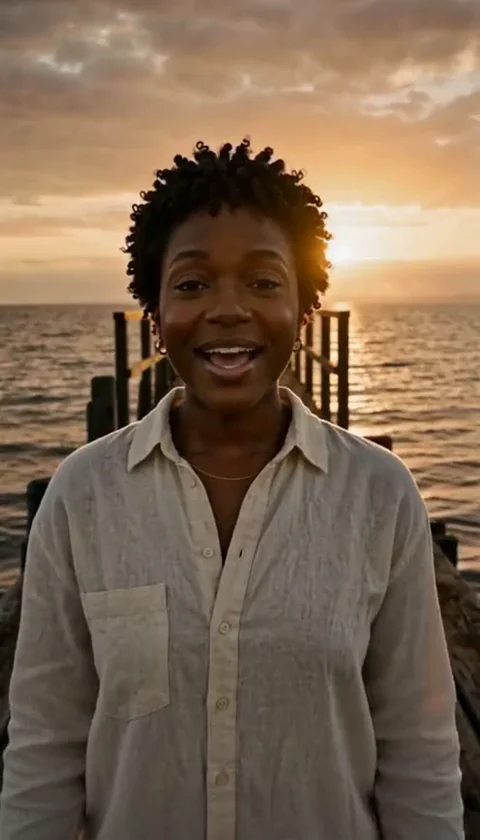
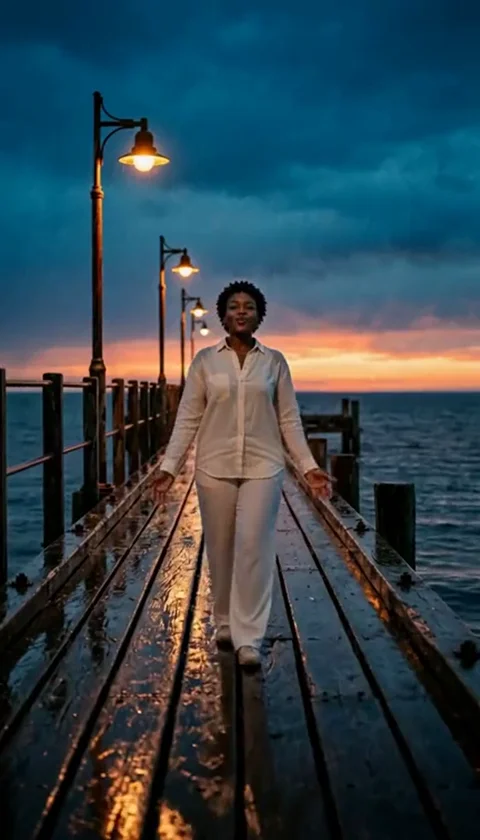
The platform offers fourteen distinct scenes, each with specific duration and aspect ratio characteristics. Understanding these is vital for your final output. Most scenes, such as the golden-hour solo or the rain pier man, are designed to maintain the source aspect ratio of your photo, typically 4:7 or 24:43. However, the original trend scenes are formatted in a landscape orientation of 131:90.
Do not expect every video to be generated in a 9:16 vertical format. The output is dictated by the specific scene guide you select. If you choose a scene that is inherently landscape, your final video will reflect that. Because the AI attempts to preserve your source outfit and face, selecting a high-quality, clear photo is the best way to ensure the output aligns with your expectations. Never assume that the AI will perfectly replicate hands, motion, or exact likenesses, as these are common limitations in current generative AI technology.
Checklist for Your First Project
- Verify your photo is under 10MB and in JPG, PNG, or WebP format.
- Ensure the face in the photo is clearly visible and belongs to an adult.
- Choose the correct scene type (solo vs. duet) based on your photo count.
- Write an optional direction (up to 500 characters) if you have a specific preference.
- Confirm you have enough credits in your account (100 per job).
- Check your account balance after the job completes or fails.
- Download your silent MP4 file immediately once the link appears.
Worked Example: Creating a Raindance Solo
Imagine you want to create a 10-second 'Raindance solo' video. First, you sign in to your account and navigate to the upload form. You select the 'Raindance solo10s' scene from the preview gallery. You upload a single high-quality portrait of yourself. You decide to add a brief instruction in the direction field, such as 'maintain a contemplative expression.'
You submit the job, which deducts 100 credits from your balance. The system enters an asynchronous queue. After a few minutes, the moderation check passes, and the video is generated. You receive a notification or check the results page to find your silent MP4 file. You download the file to your device. Since the file is silent, you then open your preferred social media app, upload the video, and add your chosen music track using the platform's built-in editing tools, ensuring you have the necessary rights to use that audio.
Common Mistakes and How to Fix Them
One common mistake is expecting the AI to generate a 30-second video in one go. The platform does not support this; you must generate individual scenes. If you need a longer sequence, you must create multiple clips and stitch them together using external video editing software. Another mistake is assuming the platform provides copyright-cleared music. The output is always silent; you are responsible for adding music and ensuring you have the legal right to use it on your chosen publishing platform.
If your job is rejected, check the moderation feedback. Often, this is due to an unclear face or an image that does not meet the adult-only policy. Ensure your image is well-lit and that the face is not obscured by hair or accessories. If you face persistent issues, review the troubleshooting guide for specific technical fixes regarding browser compatibility and file uploads.
Frequently Asked Questions
Q: Can I get a refund if I don't like the video? A: The platform does not offer refunds for subjective dissatisfaction. Credits are returned only for system-side failures.
Q: Does the video include sound? A: No, all generated MP4 downloads are silent. You must add sound yourself.
Q: Are my photos public? A: A public result may be chosen for our gallery after review. Your uploaded photos stay private. Private results stay out of the gallery. Available to customers with a completed purchase.
Q: Where can I find more tips on photo selection? A: Refer to the photo guide for detailed advice on selecting images that work well with the AI.
Q: Can I use this on my phone? A: There is no mobile app, but you can access the website through a mobile browser to upload photos and download results.
For more information on pricing, visit the pricing page. To understand how your data is handled, please review the privacy policy and terms of service.