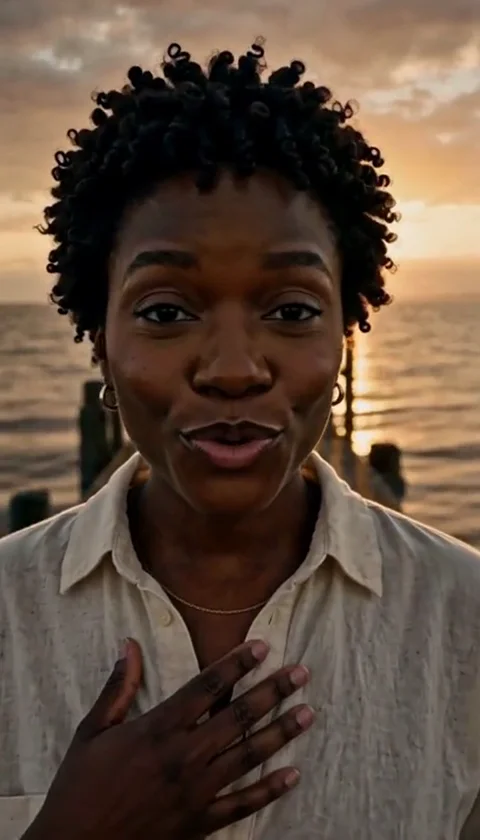
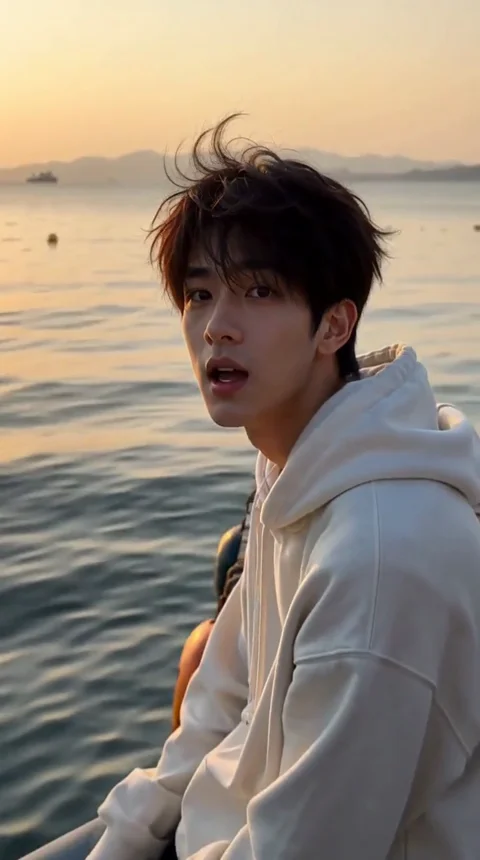
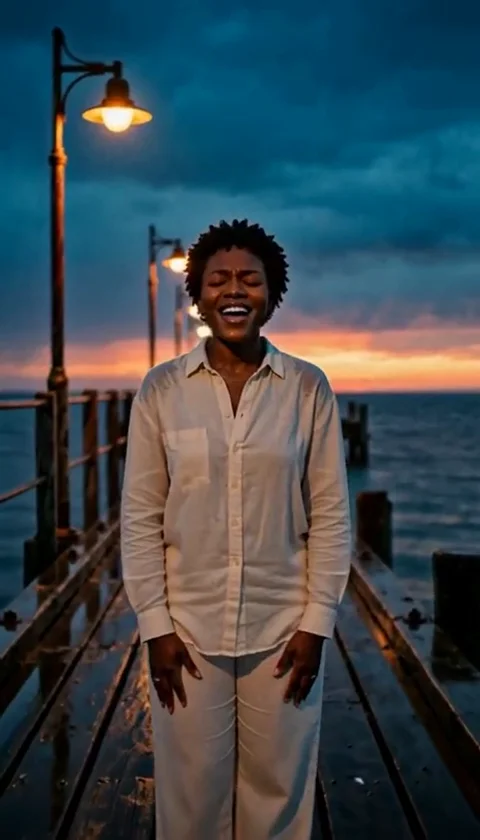
Halloween Photo Editor - Costumes, Makeup and Backdrops
Edit a photo into a Halloween portrait with costume, makeup and scene changes. Built for adults and pets, with consent checks and one-time credits.
Équipe éditoriale AI Raindance Video · Mis à jour le 8 octobre 2026
What a Halloween photo editor should actually do
Most Halloween filters do one thing: they drop a sticker on your face and call it a costume. That is fine for a group chat, but it is not what most people mean when they search for a Halloween photo editor. They want the photo to look like a different scene was shot on purpose - new outfit, new makeup, new background - while the person still looks like themselves.
That is the job here. You upload a real photo, pick a look, and the editor rebuilds the costume, makeup and setting around your face and body. The face stays readable. The body stays in proportion. The lighting on the costume has to agree with the lighting in the room, or the whole thing falls apart.
This guide is written for someone about to spend credits. It covers what makes an edit look real, which looks tend to work, how to prepare a photo, what the editor will and will not do, and how to move from a still image into a short video. Read it before you upload. It will save you a few failed jobs.
What makes a Halloween photo edit look real
A convincing edit is not about how elaborate the costume is. It is about whether the pieces agree with each other.
Light direction. If the light in your original photo comes from a window on the left, the new makeup highlights and costume texture need to respect that. An edit that relights the face from the front while the background stays side-lit reads as fake immediately, even to people who cannot say why.
Skin and fabric behave differently. Makeup sits on skin and moves with it. A mask, a crown or a collar sits on top and casts a shadow. Good edits keep that separation. When a skeleton makeup look smears across the jaw like paint on a wall, the illusion collapses.
The background has to earn its place. A foggy graveyard behind a person lit by a kitchen ceiling light looks pasted. The stronger approach is a background whose light and color temperature match the subject, even if the scene itself is fantastical.
Restraint on the face. The single biggest tell in AI photo editing is a face that has been rebuilt too aggressively. Eyes drift. Teeth change. The person stops looking like the person. The looks here are designed to preserve facial structure and change the styling around it.
Three edits people actually want
The catalog is built around directions rather than licensed characters, so you will not find trademarked costumes. What you will find are original looks that read clearly as Halloween.
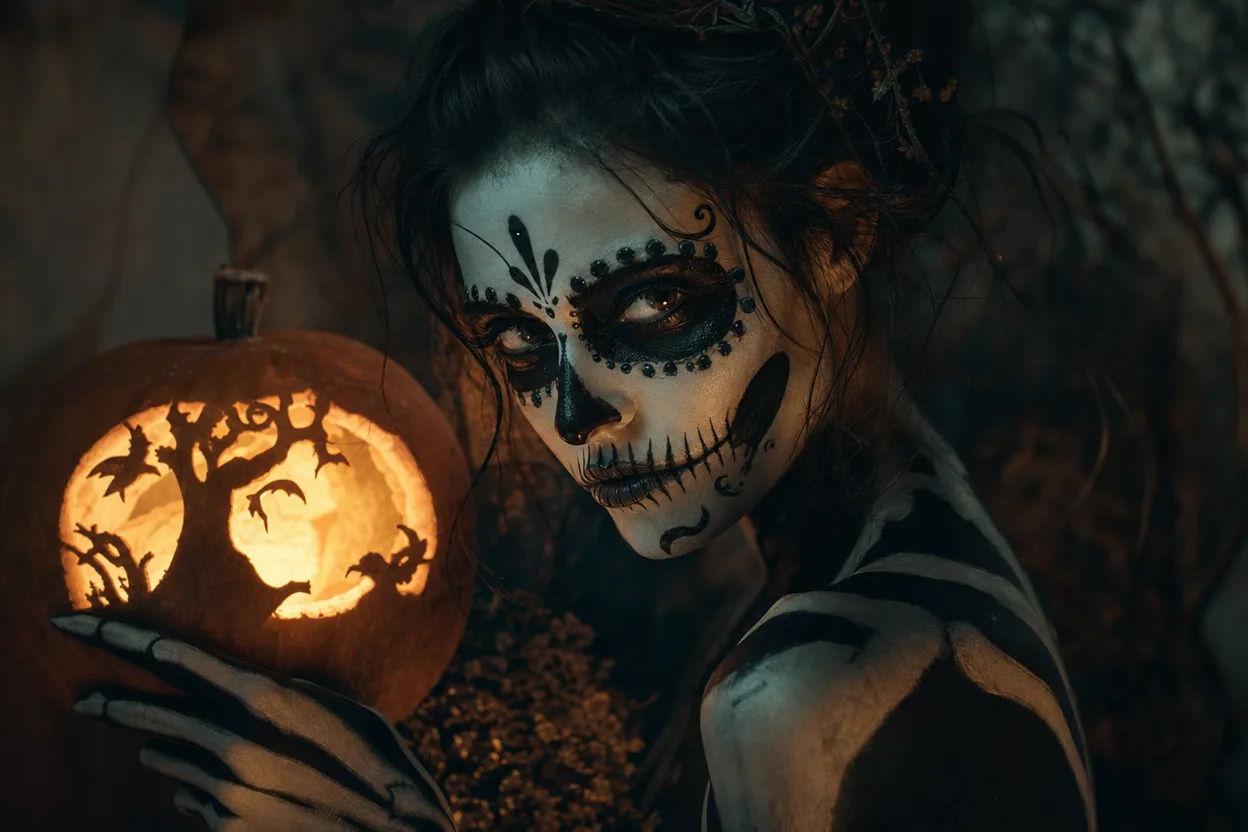
Glam skeleton
This is the classic half-face or full-face skeletal makeup treatment, done with a glam finish rather than horror gore. It works best on a straight-on portrait with even lighting and no heavy existing makeup. The look adds contour, darkens the eye sockets, and builds a bone structure over the skin while keeping your actual features legible underneath. If you want something that reads instantly at thumbnail size, start here.
Midnight braids
A styling look rather than a creature look. It changes hair into braided forms and shifts the palette toward deep blues and blacks, with a moodier scene behind it. This one is forgiving of imperfect source photos because it is not trying to match a specific costume silhouette. It suits three-quarter angles and photos where the hair is visible and not cropped at the frame edge.
Harvest crown
An autumn-themed look built around a crown or headpiece of leaves and dried elements, with a warm, low-sun palette. It is the most subtle of the three and the one most likely to work as a profile photo. Because the crown sits on the head, upload a photo where the top of your head is in frame. Cropped foreheads give the model nothing to attach the headpiece to.
Pumpkin pet
Pets get their own look. The same rules apply - a clear view of the animal, decent light, no clutter - but the output is a seasonal pet portrait rather than a costume on a human. Note the consent and moderation rules below still apply to every upload.
A photo checklist before you upload
Run through this before you spend anything. Most failed edits trace back to the source photo, not the model.
- Adults only, with consent. Every person in the photo must be an adult and must have agreed to the edit. This is a hard requirement, not a guideline.
- One photo per person. A solo edit takes one photo. A duet takes two separate photos, one of each person - not a single photo with two faces in it.
- Face clearly visible. No heavy shadow across the eyes, no sunglasses, no hand over the face.
- Head not cropped. Especially for looks with a crown or headpiece.
- Even, simple lighting. A window or a soft lamp beats a harsh overhead downlight.
- Plain-ish background. Busy rooms confuse the scene replacement.
- Reasonable resolution. A sharp phone photo is fine. A screenshot of a screenshot is not.
- No group shots. If you want a couple, upload two files.
- Check your outfit. Loose clothing gives the editor room to build a costume. A tightly patterned shirt can fight the new design.
If a photo fails any of these, fix it before uploading. A retake costs nothing. A failed generation costs you time even when credits come back.
How the editor handles costumes and backgrounds
Each look is an original creative direction, not a copy of a film or franchise costume. That matters for two reasons. First, it keeps the output usable - you are not walking around in a recognizable licensed design. Second, it lets the look be built around lighting and material rather than a specific reference image, which tends to produce more coherent results.
When you submit a photo, the request routes through KIE as the primary image provider, with fal, Replicate and WaveSpeed as fallbacks where those are supported. In practice that means a provider hiccup does not automatically kill your job - it gets retried elsewhere. Moderation runs through SEEAPI, and it runs twice: once before generation and once after. The pre-check catches uploads that should not proceed. The post-check catches outputs that should not be delivered.
Credits are one-time packs, not a subscription. An image look costs 20 credits. Video generation costs 100 credits. You buy a pack when you need it and it does not renew on its own. If a job fails, the credits are returned, so a provider error does not cost you money.
Edit a photo, then make a short video
The still image is usually the starting point, not the destination. Once you have a Halloween portrait you like, you can send that look into the video studio and generate motion from it.
A few things to know before you do:
- Video is 8-10 seconds. Short by design. Plan a single beat, not a scene.
- The output is a silent MP4. There is no audio track. You add your own music afterward in whatever editor you already use.
- Video costs 100 credits per generation, five times an image look. Get the still right first. Iterating on video is an expensive way to discover your source photo was weak.
The workflow that works: generate two or three image looks at 20 credits each, pick the strongest, then spend 100 credits on video for that one. That is 140-160 credits for a finished short clip rather than 100 credits gambled on a photo you have not tested.
Ready to try a look? Start with the Halloween photo editor and upload one clean photo. If you want to see what a pack costs before you commit, the pricing page lists the credit packs and what each one covers.
What this editor will not do
Being clear about limits is more useful than a feature list.
It will not turn a child into a costume - uploads must be adults with consent. It will not reproduce a specific licensed character costume, because the looks are original directions. It will not fix a photo where the face is obscured or the resolution is too low; garbage in, garbage out applies here more than anywhere. It will not add audio to your video. And it will not guarantee a specific result on the first attempt - generative editing is probabilistic, which is exactly why the credit structure is built around cheap image iterations before expensive video.
FAQ
How many credits does a Halloween photo edit cost? An image look costs 20 credits. Video generation costs 100 credits. Credits come in one-time packs with no subscription, and failed jobs return their credits.
Can I edit a photo with two people in it? Not in a single upload. A solo edit takes one photo; a duet takes two separate photos, one per person. Upload them individually.
What happens if my generation fails? Credits are returned. Image requests route through KIE with fal, Replicate and WaveSpeed fallbacks where supported, so transient provider issues are often retried before a job is marked failed.
Is there a moderation check? Yes, and it runs twice - before generation and after - using SEEAPI. Uploads and outputs that do not pass are not delivered.
Can I use the video on social media? The output is a silent 8-10 second MP4. Add your own music in your editing app, then post wherever you like, subject to the platform's own rules.