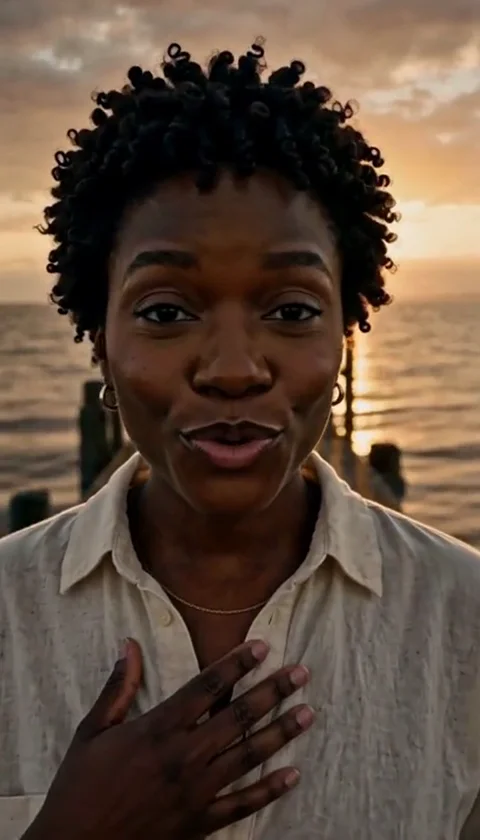
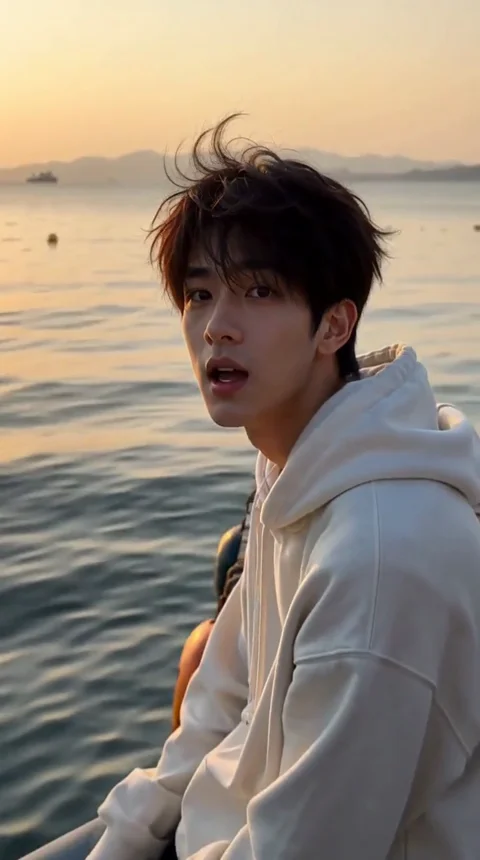
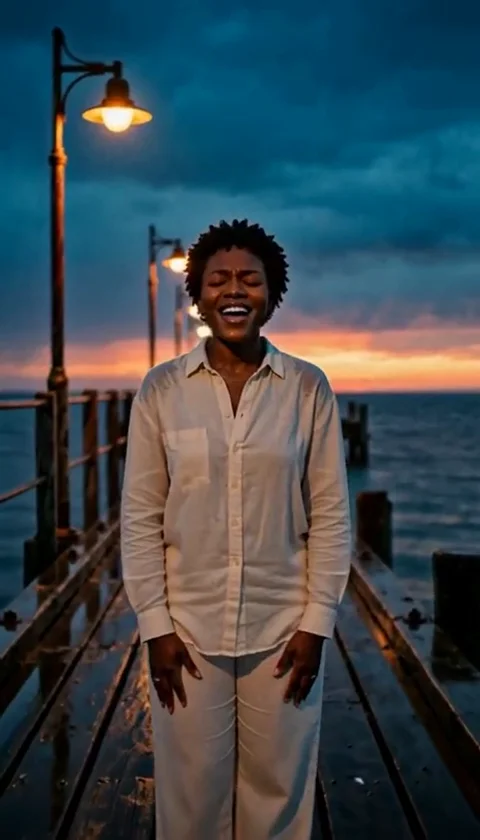
AI Halloween Video Generator - Short Clips From a Photo
Create an 8-10 second AI Halloween video from a photo. Choose a scene, keep the performance readable and add your own music before posting.
Équipe éditoriale AI Raindance Video · Mis à jour le 8 octobre 2026
Why short Halloween videos work better than long ones
Most Halloween video ideas collapse under their own ambition. You plan a full transformation, a costume reveal, a reaction shot, a dance break, and a title card. Then October 30th arrives and you have a folder of clips and no finished post.
An 8-10 second clip removes that problem. It is long enough to land one idea and short enough that you will actually finish it. It also matches how people watch: a quick reveal, a costume punchline, a single creepy beat. One scene, one performance, one piece of music.
This page is about a specific workflow: you bring a photo, choose a Halloween look, and get back a short silent MP4 you can score yourself. That is the whole promise. If you want a five-minute short film, this is the wrong tool. If you want a clip you can post tonight, read on before you spend any credits.
The scene is the product
The single biggest decision is not the prompt, the music, or the caption. It is the look you choose. Everything else is downstream of that.
Our Halloween looks are original creative directions, not licensed character copies. That matters for two reasons. First, you are not borrowing someone else's IP. Second, each look is built to read clearly in a short clip, which is a different design problem than building a detailed still image.
Here is what the current Halloween directions are aiming for:
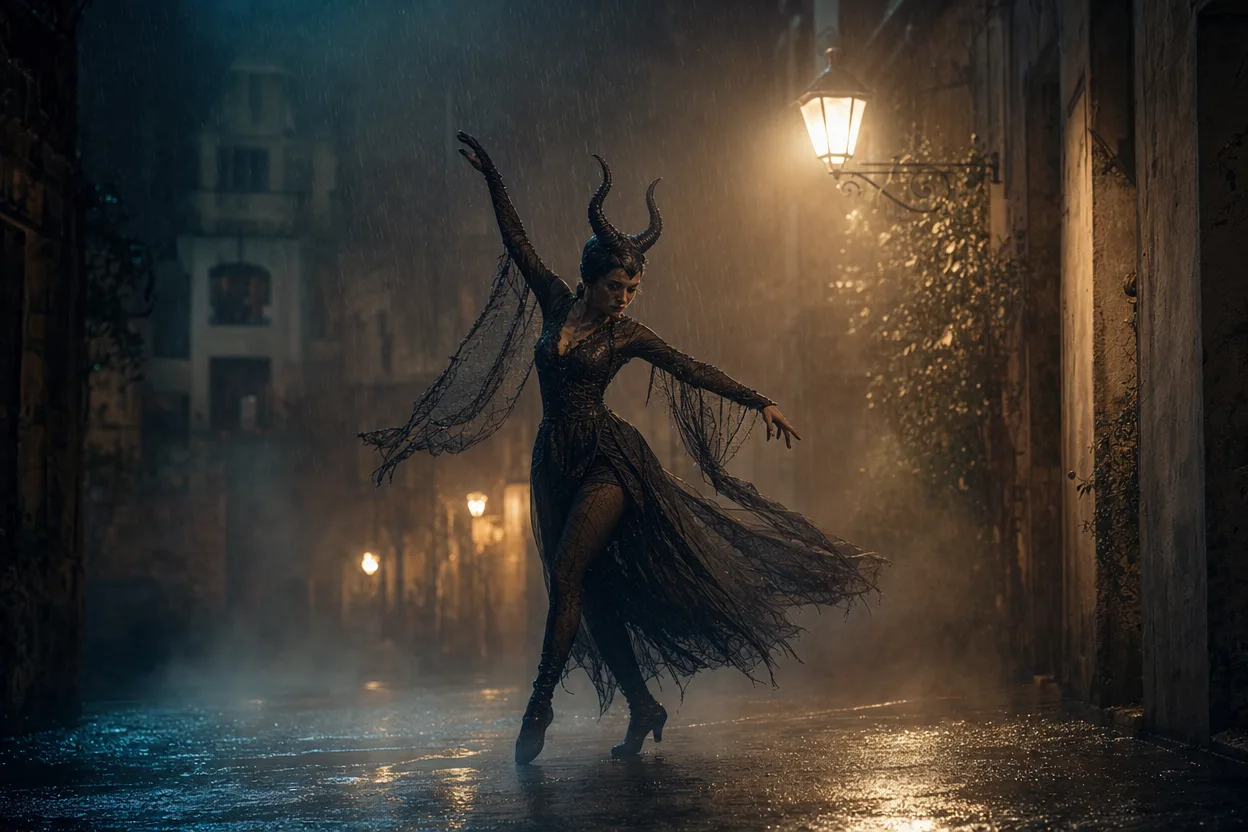
- Midnight Rain - moody, wet, cinematic. Good for a slow turn toward camera and a single flash of lightning.
- Glam Skeleton - high-contrast makeup and bone detail. Works when the face is the subject and the performance is a stare or a smirk.
- Neon Witch - saturated color and glow. Best when you want the clip to feel like a poster.
- Haunted Unicorn - playful and strange rather than scary. Useful when you want comedy instead of dread.
Pick the look that matches the emotion you want in the first half-second. Viewers decide whether to keep watching almost immediately, and a scene that fights your performance will lose that moment.
How to build a Halloween clip in four steps
1. Start with the right photo
The photo does most of the work. Use a clear, well-lit image where the face is visible and not tiny in the frame. Avoid heavy filters, extreme angles, and group shots where the subject is ambiguous.
Two rules you cannot skip:
- Adults only, with consent. Every person in the photo must be an adult and must have agreed to the image being used this way.
- One photo for a solo clip, two separate photos for a duet. Do not send a single photo with two people in it and expect a duet. Send two individual photos, one per person.
2. Choose the look and generate the image
You can preview the direction as an image before committing to video. An image look costs 20 credits. This is the cheapest way to find out whether a scene suits your photo. If the still looks wrong, the video will look wrong too, and you will have saved yourself the larger spend.
3. Generate the video
Video generation costs 100 credits and produces an 8-10 second silent MP4. Silent is deliberate. It keeps the file small, keeps the workflow fast, and hands you full control of the soundtrack.
4. Add your own music and caption
Download the MP4, drop it into whatever editor you already use, and lay a track underneath. Match the cut to the beat. Add a caption that sets up the joke or the mood. Then post.
If you want to run this workflow end to end, start here: create your AI Halloween video.
What the video will and will not do
Being honest about limits saves you credits and frustration.
What it will do: take a photo of an adult, apply the chosen Halloween direction, and return a short silent performance clip in MP4 format. It handles the costume and scene so you do not have to build them.
What it will not do: it will not produce audio, it will not generate a long narrative, and it will not reproduce a specific licensed character. It also will not fix a bad source photo. If the face is obscured or the lighting is poor, the output will inherit those problems.
Moderation runs before and after generation. That means a photo can be rejected on the way in, and an output can be rejected on the way out. If a job fails, credits are returned. You are not charged for a failed generation.
On the infrastructure side, image routing uses KIE with fal, Replicate, and WaveSpeed fallbacks where supported, and moderation uses SEEAPI. You do not need to think about any of that to use the product, but it explains why occasional routing changes do not break the workflow.
Ideas that fit the format
Short clips reward a single clear beat. Here are directions that work within 8-10 seconds.
The slow reveal. Start facing away or in shadow, then turn toward camera. Midnight Rain handles this well because the wet, moody lighting gives the turn somewhere to go.
The deadpan stare. No movement except a blink or a small head tilt. Glam Skeleton makes the face the entire subject, so a minimal performance reads as intentional rather than empty.
The poster shot. Neon Witch with a strong color grade and almost no motion. Treat it like a moving album cover and let the music carry the energy.
The bait and switch. Open with something cute, close with something unsettling. Haunted Unicorn is built for exactly this contrast.
The duet. Two separate photos, two people, one shared scene. Keep the performance simple: a look at each other, a synchronized reaction, a matched expression. Complex choreography will not survive ten seconds.
In every case, plan the clip around one moment. If you cannot describe the clip in a single sentence, cut it down until you can.
Pricing without a fake countdown
Credits are sold as one-time packs. There is no subscription, no recurring charge, and no auto-renewal. You buy credits when you need them and they do not expire on a monthly clock.
The math is simple and worth doing before you start:
- An image look is 20 credits.
- A video generation is 100 credits.
- A failed job returns its credits.
So a sensible first run is one or two image previews to test whether a look suits your photo, then a single video generation once you are happy. That is a low-risk way to find out whether the workflow fits what you are making.
We are not going to put a countdown timer on this page. Prices are what they are, and the packs are listed plainly. Check the current options on the pricing page before you buy so you know exactly what you are getting.
A practical pre-spend checklist
Run through this before you spend a single credit.
- The photo shows an adult who has consented to this use.
- The face is clearly visible and reasonably well lit.
- For a duet, I have two separate photos, not one group shot.
- I have picked one look that matches the emotion I want.
- I have generated at least one 20-credit image preview to test the look.
- I can describe the clip in one sentence.
- I know the video will be silent and I have a track in mind.
- I have a caption or hook ready.
- I understand failed jobs return credits, so a rejection is not a loss.
- I have checked the pricing page for the current pack sizes.
If you can tick every box, you are ready. If you cannot, fix the photo or the concept first. The photo is the cheapest thing to improve and the most expensive thing to get wrong.
FAQ
How long is the finished video? Between 8 and 10 seconds. It is a silent MP4, and you add your own music afterward.
Can I make a duet? Yes, but you need two separate photos, one per person. A single photo containing two people will not produce a duet.
What happens if my photo is rejected? Moderation runs before and after generation. If a job fails, the credits are returned to you.
Are the looks based on real Halloween characters? No. The looks are original creative directions, not licensed character copies. That keeps the output usable and avoids borrowing someone else's IP.
Do I need a subscription? No. Credits are one-time packs with no recurring charge. You buy what you need, and you can review the options on the pricing page.
Ready to try it with a photo you already have? Start your AI Halloween video here.