AI Raindance for Instagram Reels: Prepare Your Video
Learn practical steps to create and adapt AI Raindance videos for Instagram Reels, including format tips, sound addition, scene choices, and common issues.
AI Raindance Video editorial team · Updated October 8, 2026
Adapting an AI Raindance video for Instagram Reels involves understanding the video formats, scene aspect ratios, and sound integration since AI Raindance videos are silent MP4s. You start by selecting the right scenes that best fit Instagram’s vertical 9:16 format or cropping options, then add audio directly within Instagram Reels. This guide walks you through each step, from creating your video to uploading and troubleshooting common problems.
Understanding AI Raindance Video Formats and Instagram Reels Requirements
AI Raindance videos are generated as silent MP4 files with various scene lengths and aspect ratios. Instagram Reels requires vertical videos, ideally in a 9:16 aspect ratio, to fill the screen on mobile devices. However, AI Raindance scenes come in different aspect ratios:
- Vertical scenes maintain their source aspect ratio, generally 4:7 or 24:43 (roughly 9:16 but not exact).
- Original trend scenes are landscape with an aspect ratio of 131:90.
Because AI Raindance does not guarantee all scenes are exactly 9:16, you may need to crop or adjust the video after download to fit Instagram Reels perfectly.
When creating your video, select vertical scenes for the best native fit. If you choose landscape scenes, plan to crop or add padding in your editing app before uploading to Instagram.
Selecting and Uploading Photos for AI Raindance Video Creation
AI Raindance requires one photo for solo videos or two separate photos for duet videos. Each photo must be JPG, PNG, or WebP format and no larger than 10MB. The photo must clearly show an adult face with consent, as the tool is adult-only and enforces moderation.
Tips for photo selection:
- Use clear, well-lit photos with visible facial features.
- Avoid group photos or images with obstructed faces.
- For duet videos, upload two distinct photos separately.
After signing in at airaindancevideo.org, upload your photo(s), select your preferred scene(s), and optionally add a direction text (up to 500 characters) to influence the video style. Then generate your video using credits.
Managing Credits and Purchasing Options
Each AI Raindance video generation costs 100 credits. Credit packs are:
| Pack Size | Credits | Price (USD) | Price per Video |
|---|---|---|---|
| Single | 100 | $9.99 | $9.99 |
| Small | 300 | $23.99 | $7.99 |
| Medium | 1000 | $59.99 | $5.99 |
No subscriptions or free trial credits are available. Failed jobs automatically refund credits. Download links are temporary, so save your videos promptly.
Adding Sound to Your AI Raindance Video for Instagram Reels
AI Raindance videos are silent by design. Instagram Reels allows you to add music or sound effects within its app during the upload or editing process. This approach respects copyright rules because AI Raindance does not provide sound or claim clearance.
Steps to add sound:
- Upload your AI Raindance video MP4 to Instagram Reels.
- Use Instagram’s audio library or upload your own sound.
- Sync the audio with the video as desired.
Avoid promising copyright clearance for any sound you add. Always use sounds allowed by Instagram or your own licensed audio.
Editing and Cropping AI Raindance Videos for Instagram Reels
Since AI Raindance vertical scenes are close to 9:16 but not exact, you might want to adjust the video to fit Instagram Reels perfectly:
- Use a video editor (mobile or desktop) to crop or resize the video to 1080x1920 pixels.
- For landscape scenes, crop the video vertically or add blurred/padded backgrounds.
- Maintain the original face and hair appearance; avoid heavy filters that distort the AI-generated likeness.
Editing tips:
- Keep the video length within Instagram Reels limits (up to 90 seconds).
- Preview the video on a vertical screen before uploading.
Common Mistakes and How to Fix Them
Mistake: Uploading landscape AI Raindance videos directly to Instagram Reels without cropping. Fix: Crop or resize the video to vertical 9:16 format before uploading.
Mistake: Using photos without clear adult faces or without consent. Fix: Always upload photos with visible adult faces and ensure consent to avoid moderation rejection.
Mistake: Expecting AI Raindance to add sound or guarantee perfect likeness. Fix: Add sound inside Instagram Reels; accept that exact motion or appearance may vary.
Mistake: Not downloading video promptly and losing access. Fix: Download your video as soon as generation completes; links expire.
Worked Example: Creating a Solo Golden-Hour AI Raindance Video for Instagram Reels
- Sign in at airaindancevideo.org.
- Upload a clear solo photo (JPG, <10MB) showing your face with consent.
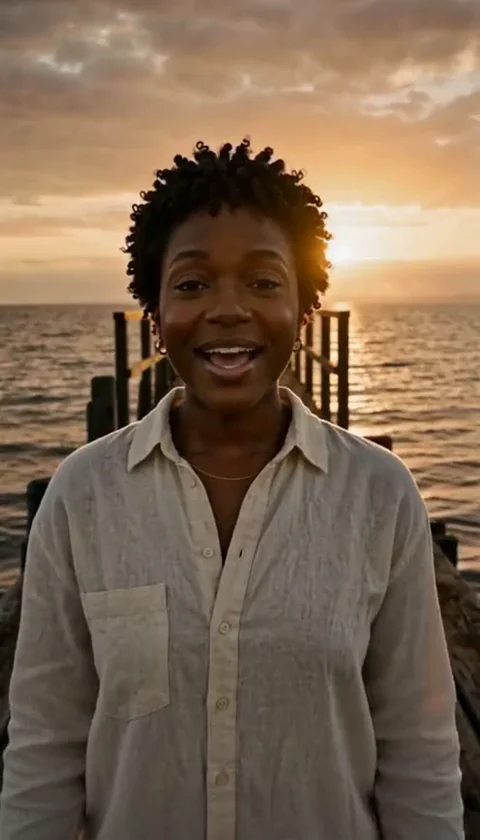
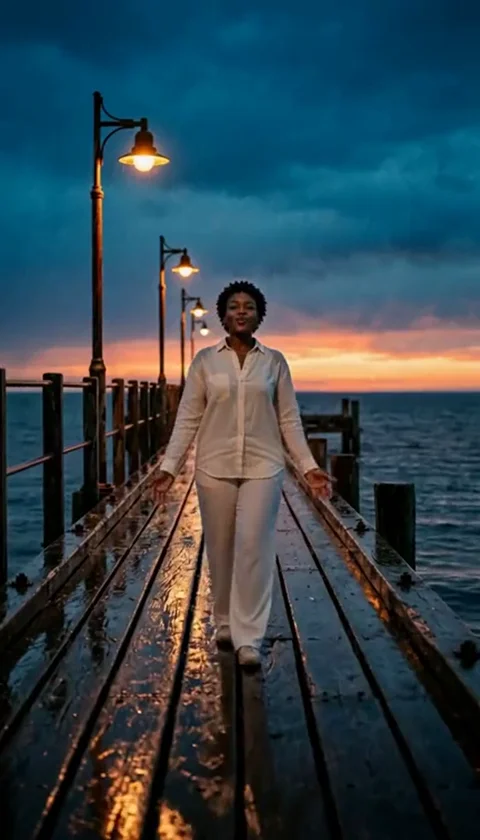
- Select the "golden-hour solo8s" scene for a vertical video.
- Optionally add a direction text like "soft lighting, gentle movement" (under 500 characters).
- Generate the video using 100 credits.
- Once ready, download the silent MP4.
- Open a video editor, crop or resize the video to 1080x1920 pixels if needed.
- Upload the video to Instagram Reels.
- Add your preferred music or sound from Instagram’s library.
- Publish your Reel.
This workflow ensures your AI Raindance video fits Instagram Reels format and includes sound.
Troubleshooting AI Raindance Video Issues for Instagram Reels
If your video generation fails:
- Check photo format and size compliance.
- Ensure photos show clear adult faces with consent.
- Review any direction text for moderation compliance.
If the video aspect ratio is off:
- Use a video editor to crop or resize.
- Avoid uploading landscape scenes without adjustment.
If sound syncing is problematic:
- Adjust audio timing within Instagram Reels editor.
- Use shorter or looped audio clips.
For credit or payment issues, contact contact@airaindancevideo.org.
Best Practices for Sharing AI Raindance Videos on Instagram Reels
- Choose scenes with vertical orientation for minimal editing.
- Use clear, high-quality photos for better video output.
- Add engaging audio within Instagram Reels to enhance viewer experience.
- Respect copyright by using Instagram’s licensed sounds or your own.
- Download videos promptly and keep backups.
- Avoid over-editing that distorts the AI-generated face or outfit.
FAQ
Q: Can I upload group photos or batch-generate videos? A: No, AI Raindance only supports single or duet photos with one active job per account.
Q: Does AI Raindance provide sound or music? A: No, all videos are silent; add sound within Instagram Reels.
Q: Are AI Raindance videos guaranteed to be 9:16? A: No, vertical scenes approximate 9:16 but may require cropping.
Q: Can I get a refund if my video fails? A: Credits are refunded automatically; contact support for payment issues.
Q: Is there a mobile app for AI Raindance? A: No, the tool is web-based only.
Related Resources
- /pricing
- /blog/raindance-photo-guide
- /blog/duet-raindance-video
- /blog/raindance-video-troubleshooting
- /blog/raindance-video-music