Cyber Monday AI Video 2026 - Short Clips, Clear Costs
Plan a Cyber Monday AI video from a photo. Compare the still-first workflow, credit costs and short clip formats before you buy.
AI Raindance Video editorial team · Updated October 8, 2026
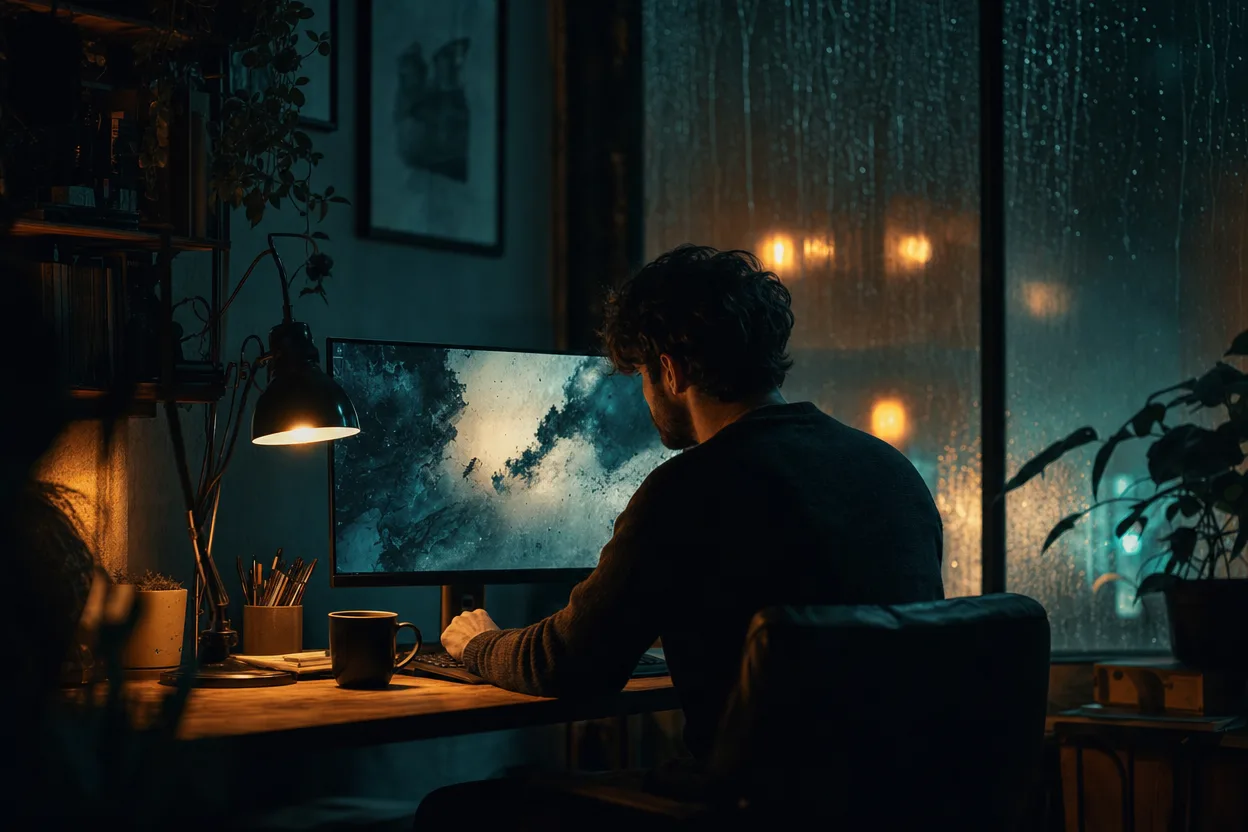
Why Cyber Monday Rewards a Different Kind of AI Video
Black Friday is a stampede. Cyber Monday is a comparison. By the time Monday arrives, your audience has already seen a weekend of deals, and they are sitting at a desk or on a couch with a browser open, reading the fine print. That changes what a short AI video needs to do.
On Black Friday, a loud clip can win attention. On Cyber Monday, a clear clip wins trust. People are asking quieter questions: What exactly do I get? Is this a subscription? How long is the video? Can I see the result before I commit?
This guide is built around those questions. It walks through a still-first workflow, the real credit costs, and what to prepare before Monday so you are not learning the tool while the clock runs. If you want the offer itself, start at /cyber-monday. If you want the numbers first, /pricing has the credit packs.
What Makes Cyber Monday Different From Black Friday
The two days share a weekend but not a mindset.
Black Friday shoppers respond to urgency and spectacle. Cyber Monday shoppers respond to clarity and comparison. They are more likely to read a pricing page, more likely to check whether a tool is a one-time purchase, and more likely to abandon anything that feels like a trap.
That has three practical consequences for an AI video:
- Short beats long. An 8-10 second clip is enough to show a face, a mood and a message. It is not enough to explain a complex offer, so pair the clip with text.
- Silence is fine. Our videos are silent MP4 files. You add your own music or voiceover. On a comparison-heavy day, a silent clip that loops cleanly often works better than a clip with audio fighting the page.
- The still is the pitch. If the image does not look right, the video will not either. Showing a still first lets you approve the direction before spending the larger credit amount.
None of this requires a big production. It requires a sequence.
The Still-First Workflow
The core idea is simple: make the image first, approve it, then animate it.
Step 1: Start with a photo you have the right to use
You need a photo of an adult who has consented to its use. One photo is enough for a solo look. For a duet, you need two separate photos, one per person. This is not a formality. Moderation runs before and after generation, and a photo that fails the consent or content check will not produce a usable result.
Practical photo tips:
- Use a clear, front-facing shot with even lighting.
- Avoid heavy filters, group photos and anything where the face is partly hidden.
- For duets, use two separate solo photos rather than one photo with two people.
Step 2: Generate the look
An image look costs 20 credits. You pick a direction, generate a still, and judge it. Does the lighting match your brand? Does the expression fit the tone of the offer? Is it something you would actually put on a landing page?
The looks are original directions, not licensed character copies. That matters on a day when people are comparing tools: you are buying a style, not a trademark. If a look reminds you of something familiar, it is an homage in mood, not a replica.
Step 3: Approve or iterate
If the still is wrong, fix it at 20 credits, not 100. Regenerate, adjust the photo, or try a different look. This is the cheapest point in the process to change your mind.
Step 4: Animate
Video generation costs 100 credits and produces an 8-10 second silent MP4. That is the whole output: short, silent, and easy to drop into a page, a story or an email.
Step 5: Add your own audio
Because the file is silent, you control the soundtrack. Add music, a voiceover or nothing at all. A silent loop is often the safest choice for a product page where audio would autoplay unexpectedly.
Step 6: Plan for a failed job
Failed jobs return credits. That is the honest version of how generation works: sometimes a job does not complete, and you are not charged for a result you did not get. Build a small buffer into your plan anyway, especially if you are producing several clips on the same day.
Short Clips for Online Offers
An 8-10 second clip has a narrow job. It should do one thing well.
Good uses:
- A hero loop on a landing page, silent and seamless.
- A story or reel opener that hands off to text.
- An email header that shows a face and a mood.
- A "meet the look" preview before a longer written offer.
Poor uses:
- Explaining a multi-step discount.
- Replacing a product demo.
- Carrying a full sales argument on its own.
The still-first workflow fits this because the still often does most of the persuading. The video adds motion and presence. If you find yourself needing the clip to explain something, write it down instead and let the clip set the tone.
A Note on Looks
The look library includes directions like midnight-rain, neon-witch, cosmic-princess and glam-skeleton. Each is a mood, not a character license. Midnight-rain reads as moody and cinematic. Neon-witch reads as bold and electric. Cosmic-princess is bright and stylized. Glam-skeleton is playful and dark.
Pick the look that matches the offer, not the one that is most dramatic. A Cyber Monday page about a practical tool probably does not need glam-skeleton. A page about a creative product might.
Pricing and Refunds, Plainly
Credits are one-time packs, no subscription. That is the central promise, and it is worth repeating on a day when every other tab is asking for a card on file.
- Image look: 20 credits
- Video generation: 100 credits
- Output: 8-10 second silent MP4
- Failed jobs: credits returned
There is no fake timer and no countdown pressure on this page. The offer is the offer. You can read the full breakdown at /pricing before you spend anything.
What to Prepare Before Monday
A short checklist, in the order that saves the most credits:
- Confirm consent. Every person in every photo is an adult who has agreed to the use.
- Pick one or two photos. One for solo, two separate photos for a duet. Clear, front-facing, evenly lit.
- Choose a look direction. Match it to the offer, not to the loudest option.
- Budget credits. Count one image look per attempt and one video generation per final clip. Add a small buffer.
- Write the surrounding copy. The clip is silent and short. The words do the explaining.
- Decide where it lives. Landing page, story, email header. Each has different length and loop needs.
- Test the loop. Watch the MP4 on a phone before you publish it.
- Have your audio ready. Music or voiceover, licensed and cleared.
- Check moderation expectations. Content that fails the pre- or post-generation check will not produce a usable result.
- Keep a backup still. If a video job fails, you still have an approved image to publish.
After the Sale
Cyber Monday ends, but the assets do not. A still you approved and a short silent clip can keep working through December and into January.
Two habits help:
- Archive the source photo and the approved still. If you want a variation later, you are not starting from zero.
- Reuse the clip format. The same 8-10 second structure works for a new year page, a newsletter header or a seasonal refresh.
The still-first workflow is not a Cyber Monday trick. It is a sensible way to spend credits any day: cheap approval first, expensive generation second.
FAQ
How many credits does one video cost? An image look costs 20 credits and video generation costs 100 credits. A single final clip, assuming one approved still, is typically 120 credits.
Is this a subscription? No. Credits are one-time packs with no recurring charge. You can review the packs at /pricing.
How long is the video, and does it have sound? The output is an 8-10 second silent MP4. You add your own music or voiceover afterward.
What happens if a generation fails? Failed jobs return credits, so you are not charged for a result you did not receive.
Can I use any photo? Only photos of adults who have consented to the use. One photo works for a solo look; duets need two separate photos. Moderation runs before and after generation.
Ready to Plan Your Cyber Monday Clip?
Start with the offer page at /cyber-monday, then check the credit packs at /pricing. Approve a still first, animate second, and keep the clip short, silent and honest. That is the whole strategy, and it is enough.