AI Halloween Studio - Costumes, Photos, Videos and Prompts
One place for AI Halloween looks: costume portraits, couple and pet edits, prompt recipes and short dance videos. Start with a still, then animate.
AI Raindance Video editorial team · Updated October 8, 2026
Start with the job, not the costume name
Most people arrive at an AI Halloween page with a costume in mind. That is usually the wrong starting point. "Sexy vampire" or "creepy clown" tells you nothing about what you actually want to walk away with. A profile picture? A couple's card? A ten-second clip for a group chat? A pet edit for a family album?
The AI Halloween Studio is built around that distinction. You pick the job first - solo portrait, duet, pet look, or short dance video - and then choose an original look direction that fits it. That order matters because it changes what you upload, how many credits you spend, and whether a video is even the right final step.
If you already know what you want to make, go straight to /halloween and start there. If you are deciding whether it is worth the credits, read on. This page is written to help you spend deliberately.
The still-first rule
Every good result on this studio starts as a still image. That is not a marketing preference; it is how the pipeline works. Image generation costs 20 credits. Video generation costs 100 credits. If you animate a still you have not checked, you are paying five times as much to find out the face was wrong.
So the rule is simple: approve the still, then animate.
A still costs a fifth of a video. You can afford to try two or three looks before you commit to motion. You cannot afford to burn 100 credits on a clip where the eyes drifted or the costume read as a different character entirely.
Concretely: generate a solo portrait in a look like haunted-unicorn or glam-skeleton. Look at the hands, the hairline, the lighting on the face. If something is off, regenerate the still. Only when you are happy does the 100-credit video step make sense.
What you can make here
Solo costume portraits
One photo, one adult, one look. Upload a clear, well-lit photo of the person you are editing. The studio routes the image job through KIE, with fal, Replicate and WaveSpeed as fallbacks where supported, so a single provider hiccup does not necessarily kill your job. You get a still for 20 credits.
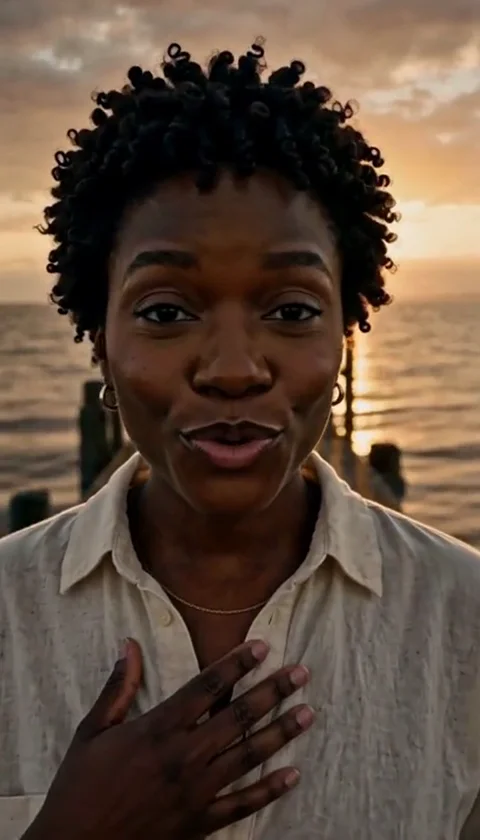
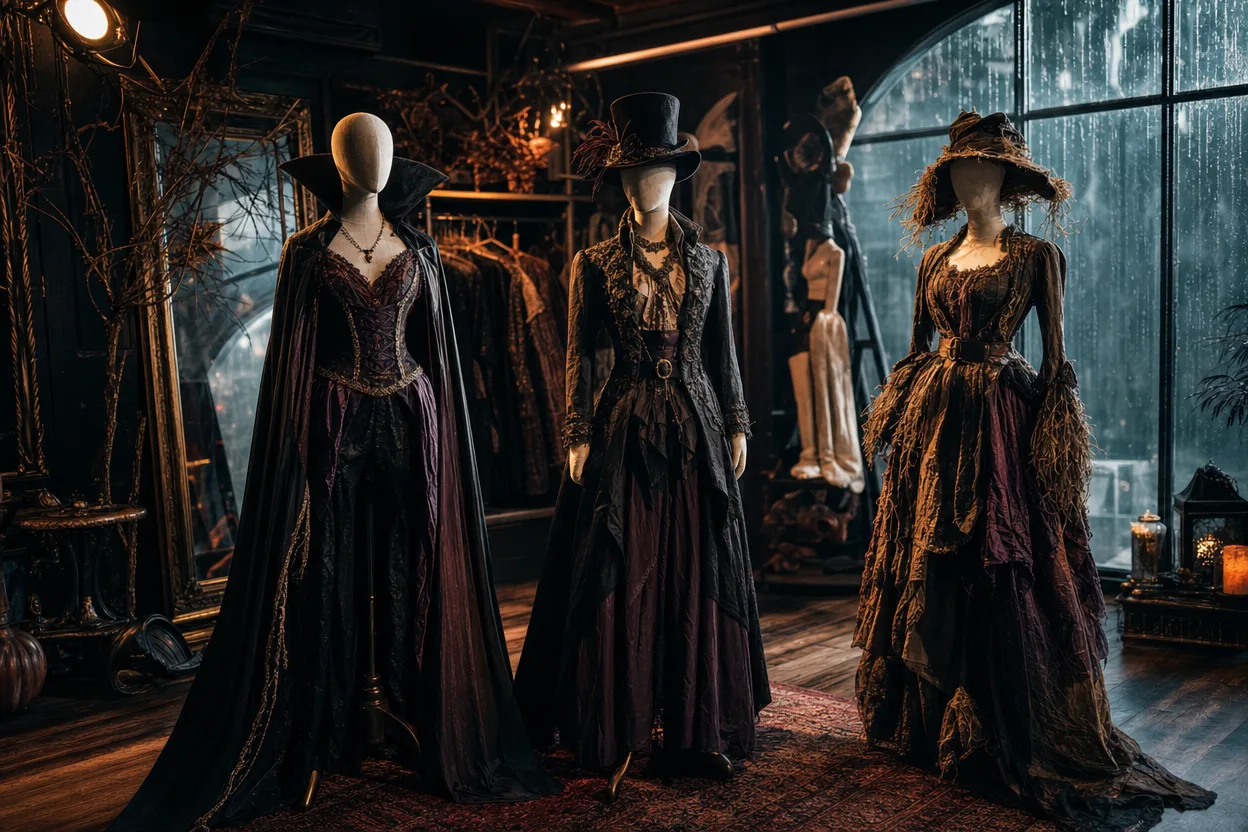
The looks are original directions, not licensed character copies. midnight-braids, cosmic-princess, haunted-unicorn and glam-skeleton are stylistic starting points - mood, palette, costume language - not reproductions of any film or franchise design. That is deliberate. It keeps the output usable and keeps the studio on the right side of intellectual property.
Duets and couples
For a duet you upload two separate photos, one per person. Not a single group shot. Two clean solo photos give the model a better read on each face, and the result holds up better than a cropped group photo where one person is half-turned away.
Both people must be adults who have consented to the edit. That is not a formality. If you are making a couple's portrait as a gift, ask first.
Pet edits
Pets can be folded into a look the same way a person can, using a clear photo of the animal. Keep expectations honest: fur, eyes and unusual markings are harder for any image model than a human face, so budget for a retry or two. At 20 credits a still, that is a reasonable experiment.
Short dance videos
Once a still is approved, you can animate it into an 8-10 second silent MP4. That length is intentional - it is the sweet spot for a social post or a group chat, and it keeps the cost predictable at 100 credits.
The video arrives silent. You add your own music. That is a feature, not a limitation: you control the track, you avoid any licensing question on the audio side, and you can swap songs without regenerating the clip.
Credits, plainly
Credits are sold as one-time packs. There is no subscription, no recurring charge, and nothing renews in the background. You buy a pack, you spend it, you are done.
| Job | Cost |
|---|---|
| Image look (still) | 20 credits |
| Video generation (8-10s, silent MP4) | 100 credits |
Two practical consequences:
- Failed jobs return credits. If a generation fails, you are not charged for a result you did not receive.
- Moderation runs before and after generation, using SEEAPI. A job that does not clear moderation will not produce output. This protects the studio and the people in the photos.
Before you buy, check /pricing and match the pack size to the number of finished pieces you actually want. If you want one solo portrait and one video, that is 120 credits minimum, plus whatever you spend on retries. Most people should plan for at least one retry per job.
A practical checklist before you spend
Run through this before you upload anything. It will save you credits.
- Are all people in the photos adults? Required. No exceptions.
- Do you have consent from everyone pictured? Required, including for duets and gifts.
- Is the photo clear and well lit? Faces forward, no heavy shadows, no sunglasses.
- For a duet, are you uploading two separate photos? One per person, not a group shot.
- Have you picked the job before the look? Solo, duet, pet, or video.
- Do you know your budget in credits? Still = 20, video = 100, plus retries.
- Have you approved the still before animating? Never animate an unchecked image.
- Do you have a music track ready for the video? The MP4 is silent.
- Are you expecting an original look, not a franchise character? The looks are original directions.
If every box is ticked, you are ready. Start at /halloween.
What to do in the last 12 days
Halloween rewards planning more than most holidays, because the good posts land in the final week. Here is a sequence that respects the credit math.
Days 12-9: test looks. Generate one or two stills per person at 20 credits each. Do not animate yet. Find the look direction that suits the face in front of you - midnight-braids reads very differently on different people than cosmic-princess does.
Days 8-5: lock the stills. Regenerate anything with visible artifacts. This is the cheapest moment to be picky.
Days 4-2: animate the winners. Spend the 100-credit video step only on stills you would happily post as images on their own. Add your music after download.
Day 1 and Halloween itself: post. You now have a still and a clip per person, plus a duet or pet edit if you planned for one.
The failure mode to avoid is doing everything on October 30th, rushing the still, and animating a flawed image because there is no time to retry.
Privacy and consent
Two rules govern everything here: adults only, and consent from everyone pictured. Moderation runs before and after generation via SEEAPI, and jobs that fail moderation do not proceed. Failed jobs return credits.
Treat uploaded photos the way you would treat any personal image you send to a service: use photos you have the right to use, and do not upload images of people who have not agreed. If you are making a surprise gift, get consent first - a surprise is not consent.
FAQ
How many credits does a finished video cost? At minimum 120: 20 for the still, 100 for the video. Budget extra for retries on the still, which is the cheap part.
Do credits expire or renew? Credits are one-time packs with no subscription. There is no recurring charge. See /pricing for current pack sizes.
Can I upload a group photo for a couple's edit? No. Duets require two separate photos, one per person. It produces a better result and keeps consent clear.
Why is the video silent? The output is an 8-10 second silent MP4 by design. You add your own music, which gives you control over the track and avoids audio licensing issues.
What happens if a generation fails? Failed jobs return credits. Moderation runs before and after generation, so a job that does not clear moderation will not produce output and will not cost you the result.
Ready to make something? Pick your job and start at /halloween, or check /pricing first to size your pack against the checklist above.