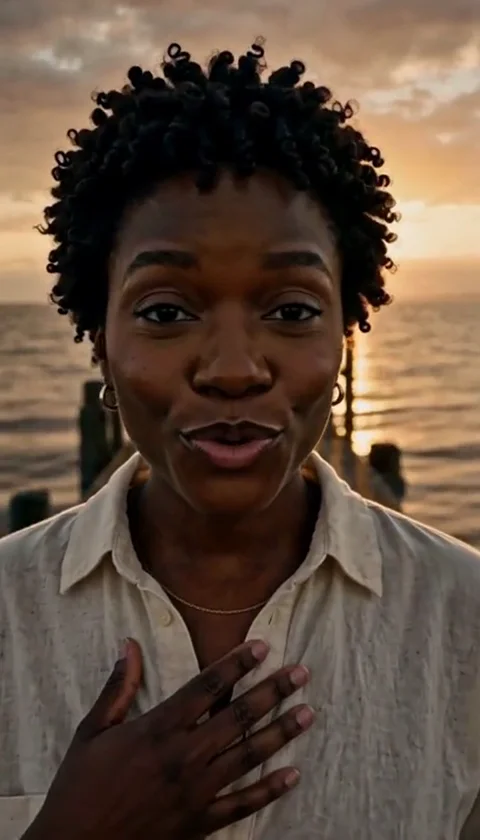
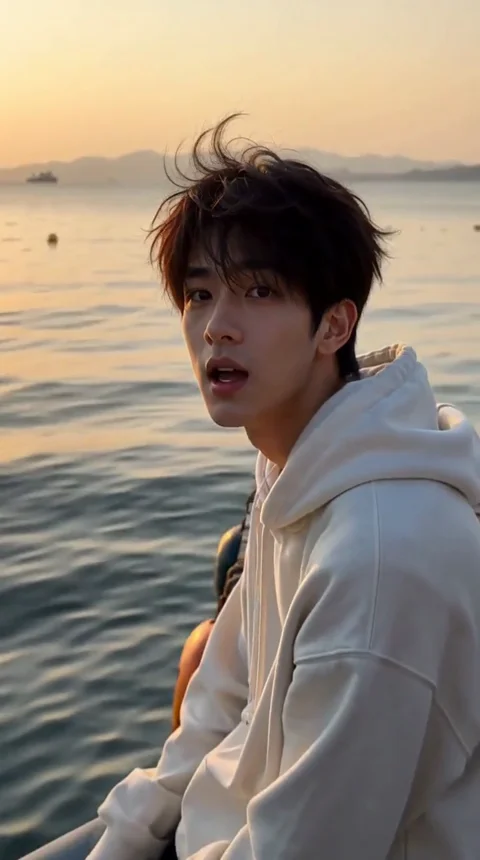
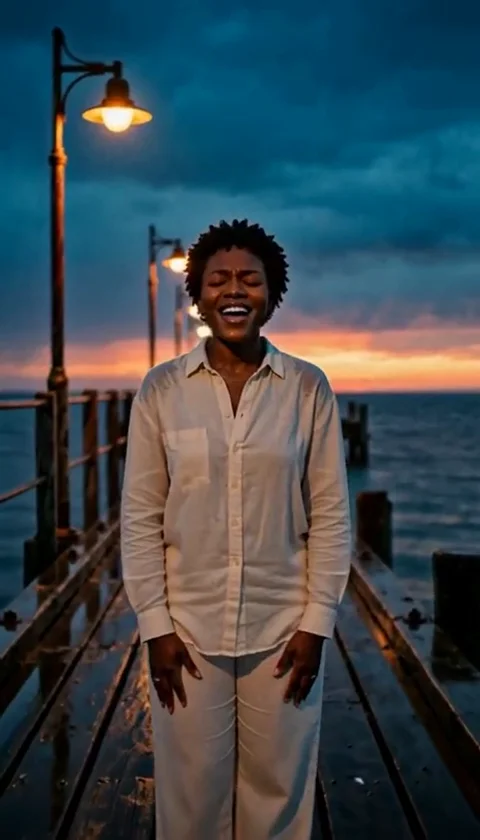
AI Image Generator Black Friday 2026 - Test a Look First
Use Black Friday to test an AI image workflow before buying video credits. Original costume looks, clear pricing and no subscription trap.
Equipo editorial de AI Raindance Video · Actualizado el 8 de octubre de 2026
Why an image is the right Black Friday test
Black Friday is loud. Every AI tool wants a year of your money before you have seen a single result from your own face. That is backwards. The cheapest way to find out whether an AI image generator is worth your time is to buy one image, look at it honestly, and decide from there.
That is the whole idea behind this page. On airaindancevideo.org, an image look costs 20 credits. A video generation costs 100 credits. Credits come in one-time packs - there is no subscription quietly renewing in the background. So before you commit to the expensive part, you can spend the small amount and answer one question: does this actually look like me, in a costume I would want to share?
If the answer is yes, you have a reason to go further. If it is no, you have lost very little and learned something real. That is a better Black Friday than a checkout page that promises everything and shows you nothing.
What the image generator actually changes
This is not a filter. A filter tints your photo and calls it a day. The image generator takes your uploaded photo and routes it through a generation pipeline that rebuilds the scene around an original look direction - the costume, the lighting, the styling, the mood.
A few concrete things worth knowing before you spend anything:
- Looks are original directions, not licensed character copies. Midnight Braids, Cosmic Princess, Haunted Unicorn and Harvest Crown are our own creative concepts. They are built to feel like a finished costume portrait, not a knock-off of a franchise you already know.
- One photo for a solo image, two separate photos for a duet. If you want a couple or pair image, you upload two distinct photos - one per person. Do not try to squeeze two faces into one upload and hope for the best.
- Photos must be of adults, with their consent. This is not a soft guideline. If you are uploading someone else, they need to agree to it.
- Moderation runs before and after generation. Inputs are checked, and outputs are checked again. It is a two-stage process, which is why some requests stop early rather than producing something borderline.
- Failed jobs return credits. If a generation does not complete, you are not charged for a result you never received.
The routing layer matters more than most people realize. Image generation goes through KIE, with fal, Replicate and WaveSpeed as fallbacks where supported. In plain terms: if one path is slow or unavailable, the system has somewhere else to go. You do not need to understand the plumbing - you just need to know that a single provider hiccup is not the end of your image.
A Black Friday image checklist
Read this before you upload. It will save you a wasted credit and a frustrating afternoon.
Before you upload:
- Pick a clear, well-lit photo. Face visible, not blurry, not buried in shadow. A phone photo in daylight beats a dark, artsy shot every time.
- Confirm everyone in the photo is an adult and has consented. For duets, that means two separate photos and two separate yeses.
- Choose one look, not five. Start with the direction that matches the vibe you actually want. Midnight Braids for a moody, editorial feel. Cosmic Princess for something brighter and more fantastical. Haunted Unicorn if you want playful and strange. Harvest Crown for a warm, seasonal portrait.
- Decide what "good" means to you before you see the result. Is it the face? The costume detail? The overall mood? Knowing your own bar makes the judgment faster.
After you generate:
- Look at the face first. Does it read as you? Costume and lighting are secondary if the face is off.
- Check the costume for coherence. Straps, edges, hairline, hands - the places where generated images tend to get sloppy.
- Ask whether you would post it. If the honest answer is no, do not buy video credits for it. Try a different look or a better source photo first.
That last point is the one people skip. A mediocre still does not become a great video. The image is the audition.
How the pricing works
Here is the entire cost structure, with no fine print:
| What you get | Cost |
|---|---|
| One image look | 20 credits |
| One video generation | 100 credits |
Credits are sold as one-time packs. There is no subscription, no auto-renewal, no "cancel anytime" maze. You buy a pack, you spend it, and when it is gone you decide whether to buy another. That is the whole model.
This matters on Black Friday specifically, because the usual playbook is to lock you into an annual plan at a discount and hope you forget about it. We are not doing that. The smallest useful purchase here is a single image at 20 credits. You can test the entire workflow - upload, look selection, moderation, result - for a fraction of what a video costs.
If you want the full breakdown of packs and what each one gets you, the details live on the pricing page. Read it before you buy, not after.
What makes a good seasonal image
Seasonal AI images fail in predictable ways. They either look generic - a costume floating on a stranger's body - or they look overcooked, with so much glow and sparkle that the person disappears. The good ones sit in between: clearly styled, clearly a person, clearly intentional.
A few practical notes on getting there:
Match the look to the photo, not just the mood board. A soft, warm portrait photo tends to suit Harvest Crown. A sharper, cooler shot gives Midnight Braids more to work with. If your source photo fights the look, the result usually shows it.
Keep expectations honest about what "original" means. These are our own directions. They are designed to feel complete and polished, but they are not licensed reproductions of any existing character or brand. If you are looking for an exact replica of something you saw in a film, this is not that product - and it is better to know that now.
Treat the first image as a draft. Twenty credits buys you a real result, but it does not buy you a guarantee that the first attempt is the one. Source photo quality, look selection and moderation all shape the outcome. If the first image misses, adjust one variable at a time - usually the photo - rather than changing everything at once.
Remember video is silent. When you do move to video, the output is an 8-10 second silent MP4. You add your own music afterward. That is a deliberate design choice, not a limitation to work around - it means the clip is yours to score however you like.
From image to video, only if it earns it
The jump from 20 credits to 100 credits is the real decision on this page. Five times the cost, for a clip that runs 8-10 seconds and arrives without sound.
That is not a bad deal - it is a specific one. A short, silent clip with your own music over it can be exactly right for a social post or a seasonal greeting. But it only works if the still image underneath it is strong. A video generation does not fix a weak face or a muddled costume; it animates them.
So the rule is simple: let the image earn the video. Generate the still. Look at it with the checklist above. If you would post it, the video is worth considering. If you would not, save the 100 credits.
When you are ready to test the image workflow itself, start here: run your first Black Friday image test. Upload one clear photo of an adult with consent, pick a single look, and judge the result before you spend anything more. That is the entire Black Friday strategy - small purchase, honest look, decision made on evidence rather than a landing page promise.
FAQ
How many credits does an image cost, and how many does a video cost? An image look costs 20 credits. A video generation costs 100 credits. Both are spent from one-time credit packs - there is no subscription.
Do I need a subscription to try it? No. Credits are one-time packs with no auto-renewal. You can buy the smallest pack, generate an image, and stop there if you want.
What do I need to upload for a duet image? Two separate photos - one per person - and both people must be adults who have consented to the upload. Do not combine two faces into a single photo.
What happens if a generation fails? Failed jobs return credits. You are not charged for a result you did not receive.
Is the video ready to post with sound? No. Video output is an 8-10 second silent MP4. You add your own music afterward, which gives you full control over the soundtrack.